Logo
Blog

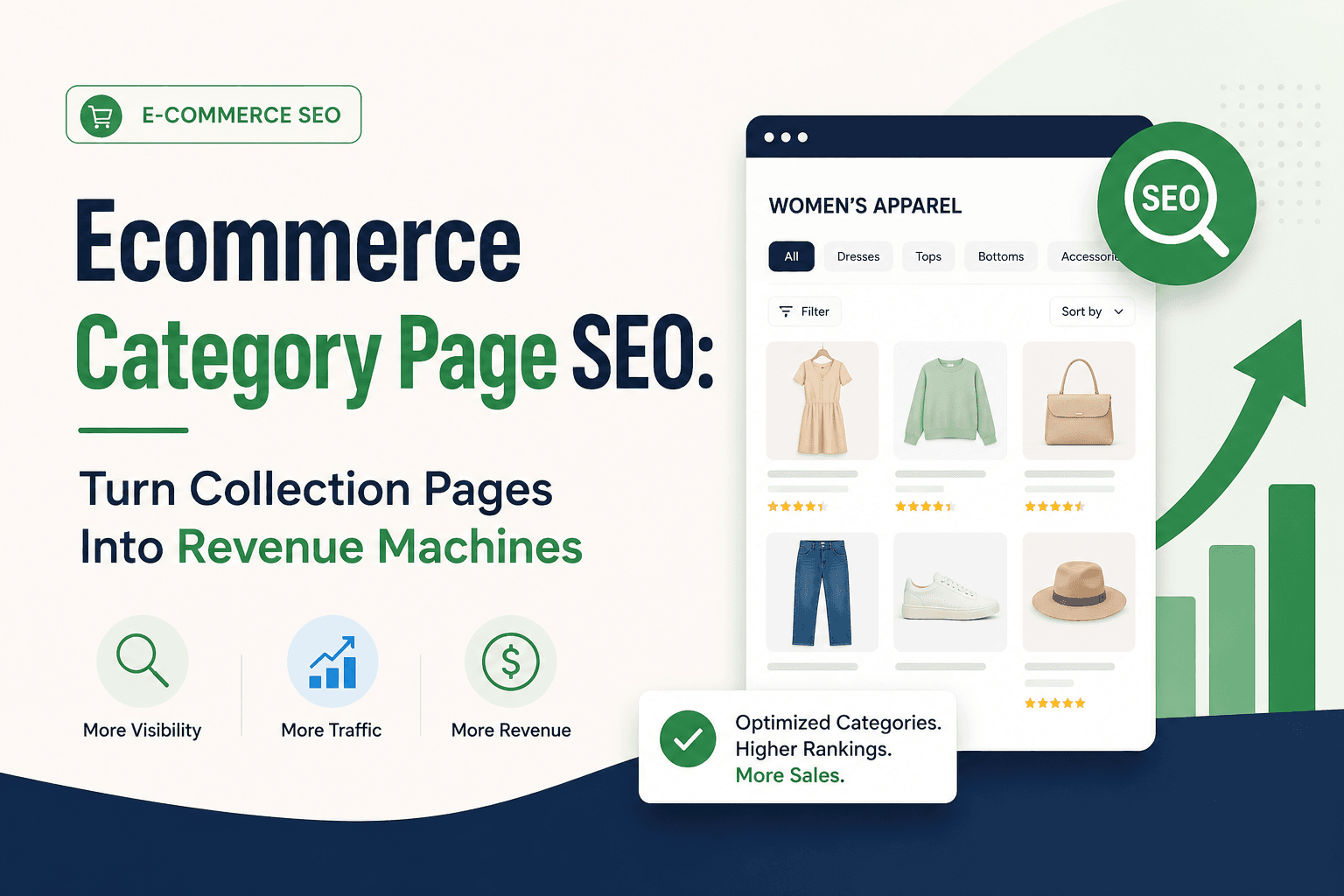
Ecommerce Category Page SEO: Turn Collection
Pages Into Revenue Machines

March 20, 2026
Ecommerce Category Page SEO: Turn Collection Pages Into Revenue Machines

By The Development Agency March 20, 2026

Category pages are the most underoptimized asset in most eCommerce stores.

Yet they are the closest pages to buyer intent and drive 60-80% of organic revenue for successful stores. One optimized category page can rank for 50+ keywords and generate more sales than 100 individual product pages combined.

Most stores make the same mistake: they treat category pages as simple navigation—a product grid with no content. Or worse, they leave them completely empty.

This guide shows how to turn category pages into high-ranking, high-converting revenue machines that capture commercial intent and drive sales.


The Math: Why Categories Own 80% of Organic Revenue

Most stores obsess over product SEO, but product pages are "One-Hit Wonders"—they rank for one specific item and maybe 1-3 related searches. Category pages are "Powerhouses" that rank for 50+ keywords simultaneously.

The revenue math:

Product Page Strategy (Amateur Approach):

  • 1,000 product pages optimized

  • Each product ranks for 1-3 specific keywords

  • Average 50 monthly visits per product

  • Total: 50,000 monthly visits (if perfectly optimized)

  • Effort: 1,000 pages to optimize manually

Category Page Strategy (Professional Approach):

  • 10 category pages optimized

  • Each category ranks for 50+ keyword variations

  • Average 800 monthly visits per category

  • Total: 8,000 monthly visits (achievable with basic optimization)

  • Effort: 10 pages to optimize systematically

The kicker: Those 10 optimized category pages drive customers to your entire product catalog. The 1,000 individual product pages sitting alone with no category authority struggle to rank for anything.

Real example: A "Women's Running Shoes" category page ranks for:

  • "women's running shoes" (2,400/mo)

  • "best running shoes for women" (1,200/mo)

  • "ladies running shoes" (800/mo)

  • "women's athletic shoes" (600/mo)

  • "lightweight running shoes women" (400/mo)

    • 45 more commercial variations

Total addressable volume: 8,000+ monthly searches from one optimized page.

Individual product approach: "Nike Pegasus 40 Women's Size 8" = 50 monthly searches. You would need 160 perfectly optimized product pages to match one category's traffic.

Why the 60-80% stat is real: Categories capture broad commercial intent ("women's running shoes") while products capture ultra-specific intent ("Nike Pegasus 40 size 8"). The broad searches have 100x higher volume. Categories win on volume. Products complement with conversion specificity.


What Is Ecommerce Category Page SEO?

Category page SEO is optimizing collection pages to rank for high-intent commercial keywords that capture customers actively searching to buy, guide them toward relevant products, and convert traffic into sales.

The critical distinction: Category pages sit at the intersection of discovery and purchase. Users searching "protein powder for weight loss" know what they want (not awareness stage) but haven't chosen a specific product yet (not final decision stage). They are comparing options and ready to buy—perfect conversion opportunity.

Why this is your highest-leverage work: Optimize 10 category pages and you can outperform competitors optimizing 1,000 product pages, because those 10 pages capture the commercial searches driving buying decisions.


The 2026 Category Optimization Framework

To turn a product grid into a ranking asset, you must master these four pillars:

1. Keyword Targeting: Commercial Intent Over Brand Speak

The Problem: Most stores use generic titles like "Running Shoes Collection" or "Shop Footwear" instead of commercial keywords actual customers search for.

What to target:

Primary keyword: The main commercial search your category serves
Example: "women's running shoes" (not "ladies footwear collection")

Intent modifiers: Variations showing purchase readiness
Examples: "best women's running shoes," "buy women's running shoes online," "cheap women's running shoes"

Attribute modifiers: Product characteristics searchers filter by
Examples: "lightweight running shoes women," "waterproof running shoes women," "wide running shoes women"

Use case modifiers: Specific applications
Examples: "running shoes for flat feet women," "trail running shoes women," "marathon running shoes"

Do this, not that:

  • ✅ Title: "Women's Running Shoes | Free Shipping & Returns"

  • ❌ Title: "Ladies Footwear Collection | Shop Now"

  • ✅ H1: "Women's Running Shoes"

  • ❌ H1: "Running Shoes Collection"

  • ✅ URL: /women-running-shoes

  • ❌ URL: /collections/womens-footwear-running

The outcome: Your category page ranks for 50+ commercial keyword variations instead of just the primary keyword, multiplying traffic potential 10-20x.


2. The "SEO Sandwich" Content Strategy

The Problem: Stores either add zero content (thin pages that cannot rank) or add massive text blocks above the product grid (blocking what customers came to see).

The winning placement strategy:

Top of page (UX layer - 1-2 sentences):

Discover the latest high-performance women's running shoes from Nike, 

Brooks, ASICS, and New Balance. Free shipping on orders over $150.


Purpose: Immediate context. Customers know they're in the right place.

Bottom of page (SEO layer - 300-500 words):

  • Buying considerations (what to look for, sizing guidance)

  • Category overview (types available, use cases, benefits)

  • FAQ section (3-5 common questions with keyword-rich answers)

  • Internal links to related categories and subcategories

Purpose: Ranking signals for Google. Hidden from initial view but crawled and indexed.

Content quality rules:

  • Unique: Never duplicate across categories (Google ignores duplicate content)

  • Specific: "Running shoes" vs "hiking boots" need completely different content

  • Helpful: Answer real customer questions, don't just stuff keywords

  • Scannable: Use subheadings, bullets, short paragraphs

Do this, not that:

  • ✅ Category-specific content addressing buying considerations

  • ❌ Generic "We offer great products at competitive prices" applicable to any category

  • ✅ 300-500 words placed below product grid

  • ❌ 50 words or 1,000+ words blocking products

  • ✅ FAQ section with keyword-rich questions

  • ❌ No content or just manufacturer specifications

The outcome: Google has 300-500 words of unique signals to understand category relevance while customers see products immediately without scrolling past text walls. Traffic typically increases 20-40% within 4-8 weeks from content addition alone.

For technical implementation of site structure, our technical SEO for eCommerce guide explains crawl budget and indexation management.


3. Authority Siphoning: Internal Linking That Flows Power

The Problem: Category pages receive weak internal linking (only from main navigation) while blog posts earning backlinks never link to categories, trapping authority.

Strategic internal linking sources:

From homepage:

  • Feature top 5-10 categories prominently in hero section

  • Descriptive anchor text ("Shop Women's Running Shoes" not "Click Here")

  • Visual prominence signals priority to Google

From blog content:

  • Every buying guide links to 2-4 relevant categories

  • Comparison posts link to compared product categories

  • Educational content links to categories mentioned

Example: Blog post "How to Choose Running Shoes" links to Women's Running Shoes, Men's Running Shoes, Trail Running Shoes, Road Running Shoes categories in first 2 paragraphs.

From related categories:

  • "Women's Running Shoes" → "Women's Trail Running Shoes" (subcategory)

  • "Women's Running Shoes" → "Running Socks" (complementary)

  • "Women's Running Shoes" → "Athletic Footwear" (parent category)

Do this, not that:

  • ✅ Feature top categories on homepage hero section

  • ❌ Hide categories in dropdown menu only

  • ✅ Link from every relevant blog post to 2-4 categories

  • ❌ Blog posts never link to categories (authority trapped)

  • ✅ Cross-link related categories strategically

  • ❌ No connections between categories

The outcome: Categories receive authority from multiple sources (homepage, blog, related categories) instead of weak navigation-only links. This distributed authority improves rankings 3-5 positions within 4-8 weeks for categories previously stuck on Page 2.

For avoiding internal linking mistakes, our common eCommerce SEO mistakes guide shows what undermines authority flow.


4. Controlling "Filter Bloat": The Faceted Navigation Decision Matrix

The Problem: This is the #1 technical killer of eCommerce SEO. Uncontrolled filters create 47,000 indexed pages from 2,000 products, wasting Google's crawl budget on "Color=Red&Size=Large&Material=Cotton&Price=$50-100" combinations nobody searches for.

The 2026 Decision Rule: If a filter has search volume, give it a unique indexable URL. If it has zero volume, use noindex or keep it behind JavaScript so Google doesn't waste time.

Faceted Navigation Decision Matrix:

Filter Type

Search Volume?

Action

Example

Brand filters

YES (usually)

✅ Index with unique content

"Nike running shoes," "Brooks running shoes"

Size filters

SOMETIMES

✅ Index if volume exists

"wide running shoes," "size 10 running shoes"

Color filters

RARELY

❌ Noindex

"red running shoes" (usually low volume)

Price ranges

NO

❌ Noindex or JS-only

"$50-$100 running shoes"

Multi-filter combos

NO

❌ Noindex

"Red+Size 10+Nike+$50-100"

Sort options

NO

❌ Noindex

"Sort by: Price Low to High"

Technical implementation options:

Option 1 - Noindex Meta Tag:

<meta name="robots" content="noindex, follow">


Use for filters without search demand. Prevents indexing while preserving crawl paths.

Option 2 - Canonical Tags:

<link rel="canonical" href="https://example.com/women-running-shoes">


Use for important brand/size filters. Points to main category as primary version.

Option 3 - JavaScript Filters: Filters update page content without changing URL, preventing duplicate page creation entirely.

Do this, not that:

  • ✅ Index brand filters with search demand + unique content

  • ❌ Index every filter combination automatically

  • ✅ Noindex price ranges and sorting options

  • ❌ Let "Sort by Price" create new indexed URLs

  • ✅ Use canonical tags for important filters pointing to main category

  • ❌ Create separate indexed pages for every color variant

The outcome: Google indexes your 2,000 actual products and 50 important category pages instead of wasting crawl budget on 47,000 useless filter combinations. New product launches get discovered and indexed within days instead of weeks. Crawl budget efficiency improves 10-20x.

For complete technical implementation, our technical SEO for eCommerce guide covers faceted navigation control in detail.


Quick-Win Roadmap: The "Page 2" Strategy

The fastest way to increase revenue is to find categories currently sitting on Page 2 (Positions 11-20) in Google Search Console. These pages already have authority and traffic—they just need optimization to break through to Page 1.

Priority actions ranked by time-to-result and impact:

Action

Time to Result

Potential Impact

Effort Required

Add 300 words to bottom of page

2-4 weeks

20-30% traffic lift

Low (2-3 hours per category)

Link from homepage hero

1-2 weeks

Massive authority boost

Low (1-2 hours total)

Add FAQ schema

2 weeks

Higher click-through rate

Low (2-3 hours)

Noindex "Sort By" URLs

4-8 weeks

Better crawl efficiency

Medium (dev work required)

Optimize title tag for commercial keywords

2-4 weeks

Improved rankings + CTR

Low (30 min per category)

The Page 2 opportunity: A category ranking #12 gets 50 monthly visitors. Move it to #3 and it gets 800 monthly visitors. That is 16x traffic increase from 2-3 hours of work per category.

The revenue math: 10 underoptimized categories × 750 additional visitors each = 7,500 additional monthly visitors. At 3% conversion and $100 average order value = $22,500 additional monthly revenue. Annual impact: $270,000 from optimizing 10 pages.

Where to find your Page 2 categories:

  1. Open Google Search Console

  2. Navigate to Performance > Search Results

  3. Filter by Pages (not Queries)

  4. Sort by Average Position

  5. Look for category URLs ranking positions 11-20 with 100+ impressions monthly

These are your highest-leverage opportunities. They already have Google's attention—they just need optimization to break through.


Checklist: Is Your Category Ready to Rank?

Use this 5-item health check on your top 10 revenue-driving categories:

[ ] Commercial H1 Title
Is your H1 a commercial keyword customers actually search? (e.g., "Men's Leather Boots" not "Boots Collection")

[ ] Content Sandwich (300+ words bottom)
Do you have 300-500 unique words at the bottom addressing buying considerations specific to this category?

[ ] Speed Test (INP < 200ms)
Does the filter sidebar and product grid respond instantly when customers interact? Test at PageSpeed Insights.

[ ] Breadcrumb Schema
Are breadcrumbs marked up with schema so they show in Google search results?

[ ] Compressed Visuals
Are product images compressed (AVIF or WebP format) with descriptive alt text including keywords?

Your Score:

  • 5/5: Excellent—category optimized for Page 1 rankings

  • 3-4/5: Good foundation—fix remaining gaps for breakthrough

  • 1-2/5: Significant opportunity—start with content + homepage linking

  • 0/5: Critical gaps—full category optimization needed immediately

For platform comparison affecting these optimization capabilities, our guide on which eCommerce platform is best for SEO explains technical differences.


Stop Leaving $270,000 on the Table

Most eCommerce stores we audit have 5-10 category pages sitting on Page 2 that could rank Page 1 with 2-3 hours of optimization work each.

The missed opportunity: These pages already have authority, already have products, already receive some traffic. They just need content and internal linking to break through to Page 1 where 92% of clicks happen.

The revenue impact: One category moving from Position #12 (Page 2, 50 monthly visitors) to Position #3 (Page 1, 800 monthly visitors) = 750 additional visitors monthly. At 3% conversion rate and $100 average order value = $2,250 additional monthly revenue from one page.

Scale that across 10 underoptimized categories = $22,500 additional monthly revenue. Annual impact: $270,000.

This is not theoretical. This is the actual opportunity sitting in your Google Search Console data right now.

Our 30-minute category page audits identify exactly which pages are your biggest revenue opportunities and what specific fixes will move rankings fastest.

Request Your Free Category Page Audit

What you get:

  • Analysis of top 10 category pages: Current rankings, traffic potential, optimization gaps identified

  • Prioritized action plan: Which categories to optimize first ranked by revenue impact

  • Content gap analysis: What keywords competitors ranking Page 1 target that you are missing

  • Technical issues audit: Indexation problems, filter bloat, schema gaps blocking rankings

  • Revenue projections: Expected traffic and sales increases from optimization (with conservative estimates)

No sales pressure. Just a data-driven roadmap showing which category pages will generate the most revenue with the least effort.

If you only optimize one thing this quarter, make it your category pages. They are the highest-leverage assets in your store.

For complete technical implementation, read our technical SEO for eCommerce guide. For avoiding common mistakes, see our common eCommerce SEO mistakes guide. For platform selection affecting category capabilities, explore our guide on which eCommerce platform is best for SEO. For platform-specific tactics, review our Shopify SEO guide. Contact our team at thedevelopment.com.au/contact-us for expert category page optimization.

Frequently Asked Questions

Latest Blogs

B2B Ecommerce SEO: How to Drive Qualified Wholesale & Trade Buyers from Organic Search

March 20, 2026

B2B Ecommerce SEO: How to Drive Qualified Wholesale & Trade Buyers from Organic Search

B2B eCommerce SEO is about pipeline value, not traffic volume. The 2026 framework for ranking wholesale and trade stores in front of qualified buyers

Ecommerce Category Page SEO: Turn Collection Pages Into Revenue Machines

March 20, 2026

Ecommerce Category Page SEO: Turn Collection Pages Into Revenue Machines

10 optimised category pages outperform 1,000 product pages. Learn how to turn collection pages into high-ranking, high-converting revenue machines.

17 Ecommerce SEO Tips That Move the Revenue Needle (2026)

March 19, 2026

17 Ecommerce SEO Tips That Move the Revenue Needle (2026)

Stop obsessing over vanity keywords. These 17 focused eCommerce SEO tips fix the gaps already blocking your growth, measurable results in weeks.

Ecommerce Product Page SEO: How to Rank Product Pages and Convert Visitors

March 19, 2026

Ecommerce Product Page SEO: How to Rank Product Pages and Convert Visitors

Master ecommerce product page SEO in 2026. Rank for high-intent keywords and increase conversions with better titles, content, UX and trust signals.

How to Do an Ecommerce SEO Audit: The Step-by-Step Process We Use

March 19, 2026

How to Do an Ecommerce SEO Audit: The Step-by-Step Process We Use

Stop fixing low-impact errors. This eCommerce SEO audit process prioritises revenue-blocking issues first — used with Australian stores doing $500K to $50M+

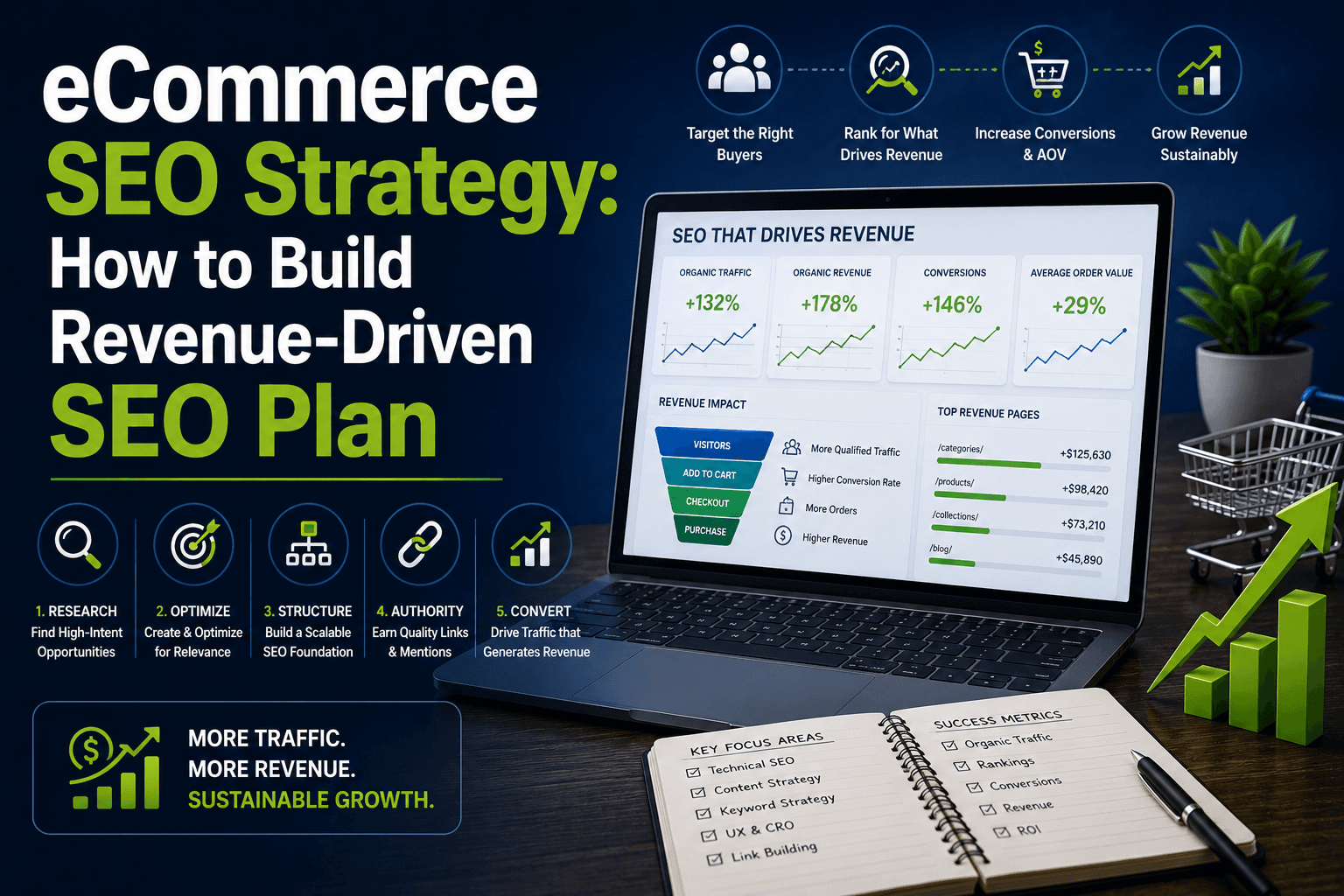
How to Build an Ecommerce SEO Strategy That Actually Drives Revenue

March 19, 2026

How to Build an Ecommerce SEO Strategy That Actually Drives Revenue

A structured eCommerce SEO strategy covering category pages, keyword intent, technical SEO, CRO, and a 90-day roadmap - built around revenue, not traffic.

Ecommerce SEO Best Practices: The 2026 Checklist for High Growth Stores

March 19, 2026

Ecommerce SEO Best Practices: The 2026 Checklist for High Growth Stores

The exact eCommerce SEO practices behind $144K from one category page and $18K from one guide. The 2026 checklist for high-growth Australian stores.

What Is Ecommerce SEO? The Complete Guide for Online Stores (2026)

March 19, 2026

What Is Ecommerce SEO? The Complete Guide for Online Stores (2026)

Stop renting customers with paid ads. Learn how ecommerce SEO builds permanent traffic assets that compound - category pages, products & beyond.

Web Development Best Practices: Performance, Security and SEO

March 17, 2026

Web Development Best Practices: Performance, Security and SEO

Learn the 2026 gold standards for web development — Core Web Vitals, INP, Passkeys, WCAG 2.2, and AI-ready Schema. For Australian businesses.

The Revenue Engineering Framework: How It Actually Works

March 17, 2026

The Revenue Engineering Framework: How It Actually Works

Learn how the Revenue Engineering Framework helps diagnose, design, and optimise your entire revenue system—from leads to conversion and retention.

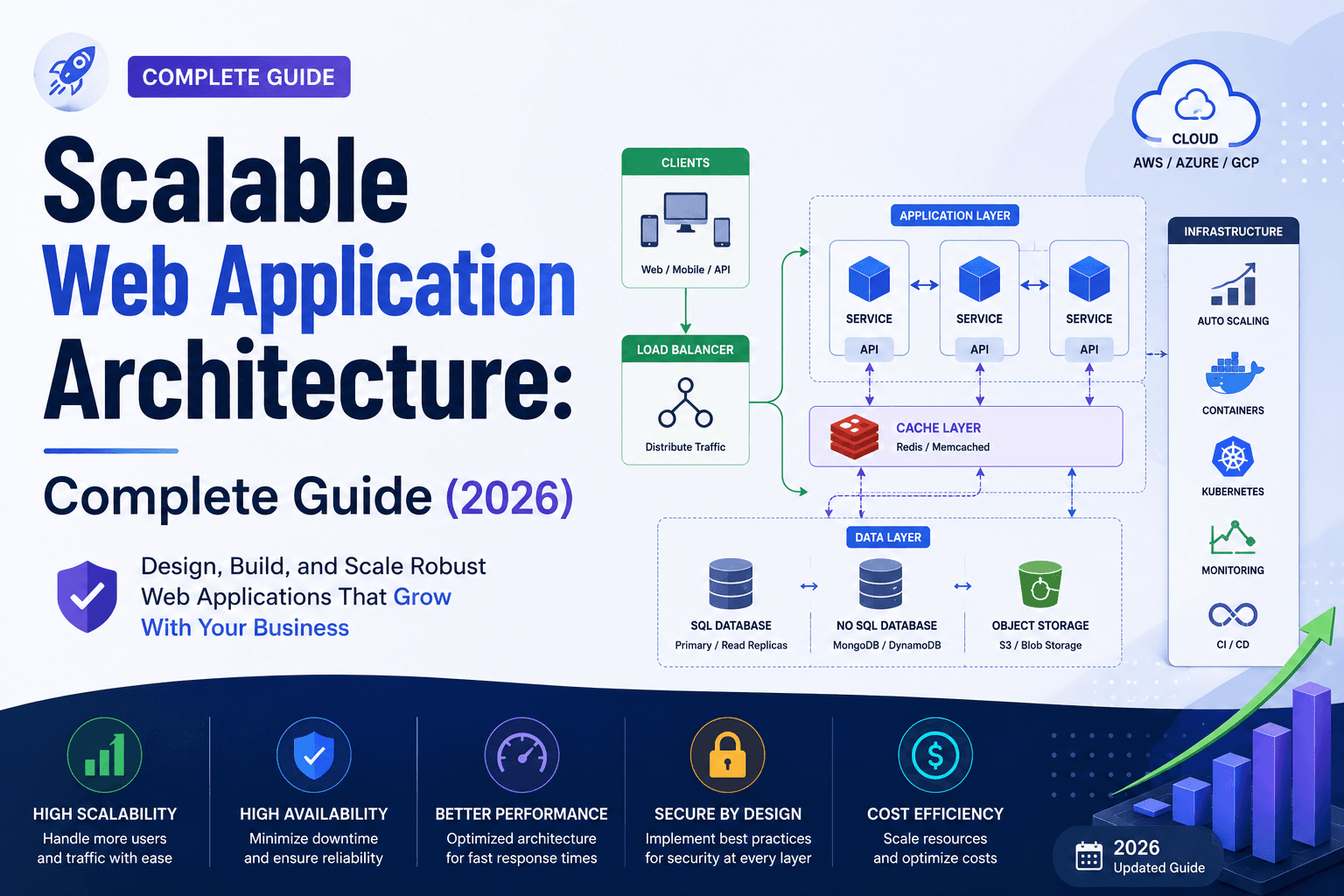
Scalable Web Application Architecture for Growing Businesses

March 17, 2026

Scalable Web Application Architecture for Growing Businesses

One architecture mistake cost AU$340k in outages. Discover the 2026 standards for scalable web applications that protect your business as you grow.

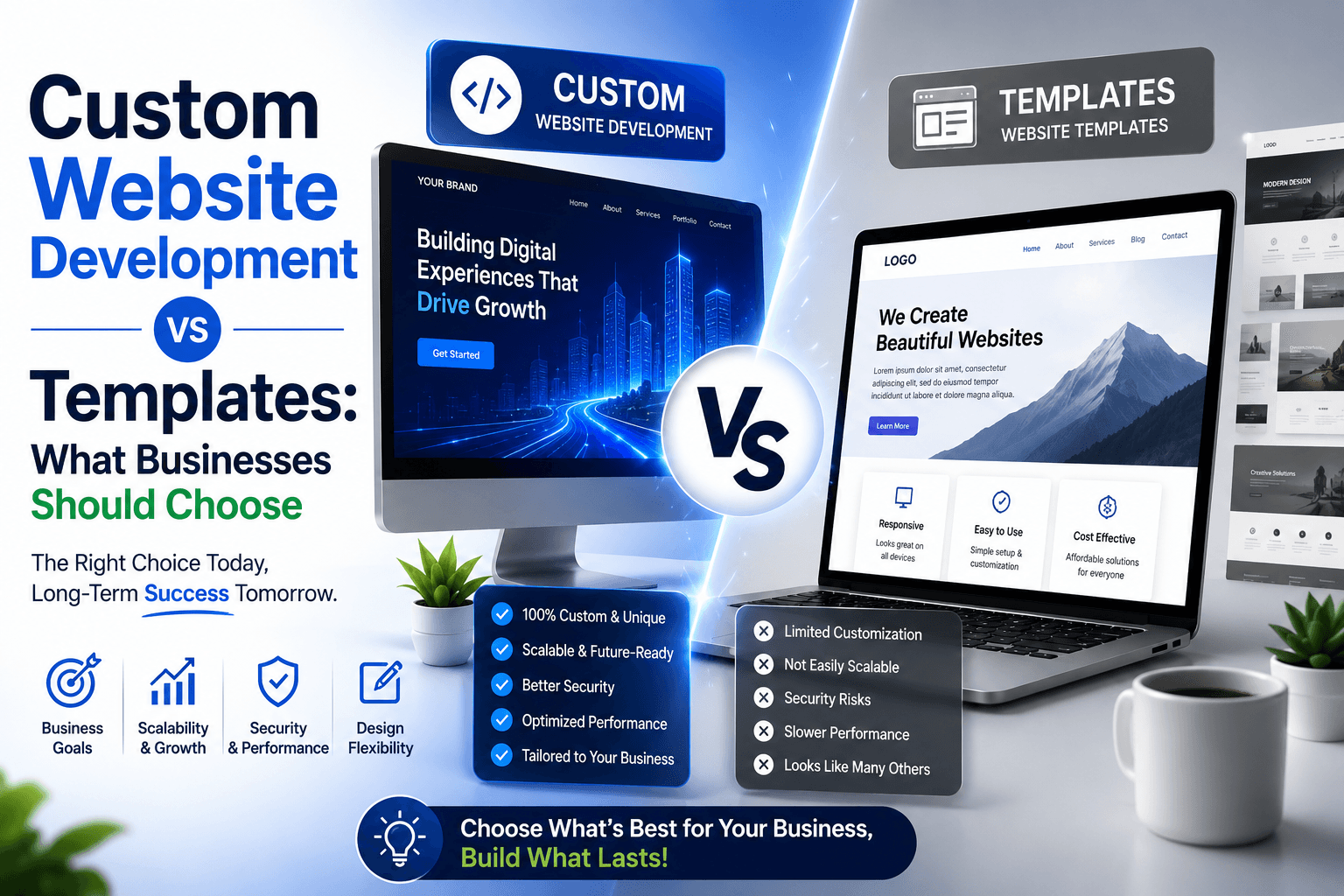
Custom Website Development vs Templates: What Businesses Should Choose

March 16, 2026

Custom Website Development vs Templates: What Businesses Should Choose

Should you pay $15/month for a template or $20K for custom development? See exactly when templates work, when they fail, and when custom is worth it.

Complete Web Development Process: From Idea to Launch

March 16, 2026

Complete Web Development Process: From Idea to Launch

Walk through all 10 stages of web development from discovery to post-launch. Realistic timelines, common problems, and what you do at each step

Custom Web Application Development: Architecture, Process and Business Use Cases

March 13, 2026

Custom Web Application Development: Architecture, Process and Business Use Cases

Understand custom web application development from architecture to deployment. Learn timelines, technology stacks, and when businesses need custom software.

Custom Web Development Explained: Complete Guide for Businesses

March 13, 2026

Custom Web Development Explained: Complete Guide for Businesses

Complete guide to custom web development: costs, timelines, ROI, and when to choose it vs templates. Real examples & decision framework included.

Technical SEO for eCommerce: Fix the Issues That Limit Rankings and Revenue

March 10, 2026

Technical SEO for eCommerce: Fix the Issues That Limit Rankings and Revenue

Most eCommerce stores lose organic revenue to fixable technical issues. Learn how to solve duplicate content, indexation gaps, crawl budget waste & more.

Which Ecommerce Platform Is Best for SEO?

March 10, 2026

Which Ecommerce Platform Is Best for SEO?

Choosing between Shopify, WooCommerce, BigCommerce? See which ecommerce platform fits your SEO needs, catalogue size, and growth plan in 2026.

Shopify SEO in 2026: How to Rank a Shopify Store on Google

March 9, 2026

Shopify SEO in 2026: How to Rank a Shopify Store on Google

Shopify doesn't do SEO for you. Learn the platform limitations killing your traffic and the Shopify SEO fixes top stores use to dominate rankings.

8 Common eCommerce SEO Mistakes That Stop Stores From Growing

March 9, 2026

8 Common eCommerce SEO Mistakes That Stop Stores From Growing

Thin content, weak category pages, poor trust signals, these common eCommerce SEO mistakes stop your store converting traffic into revenue.

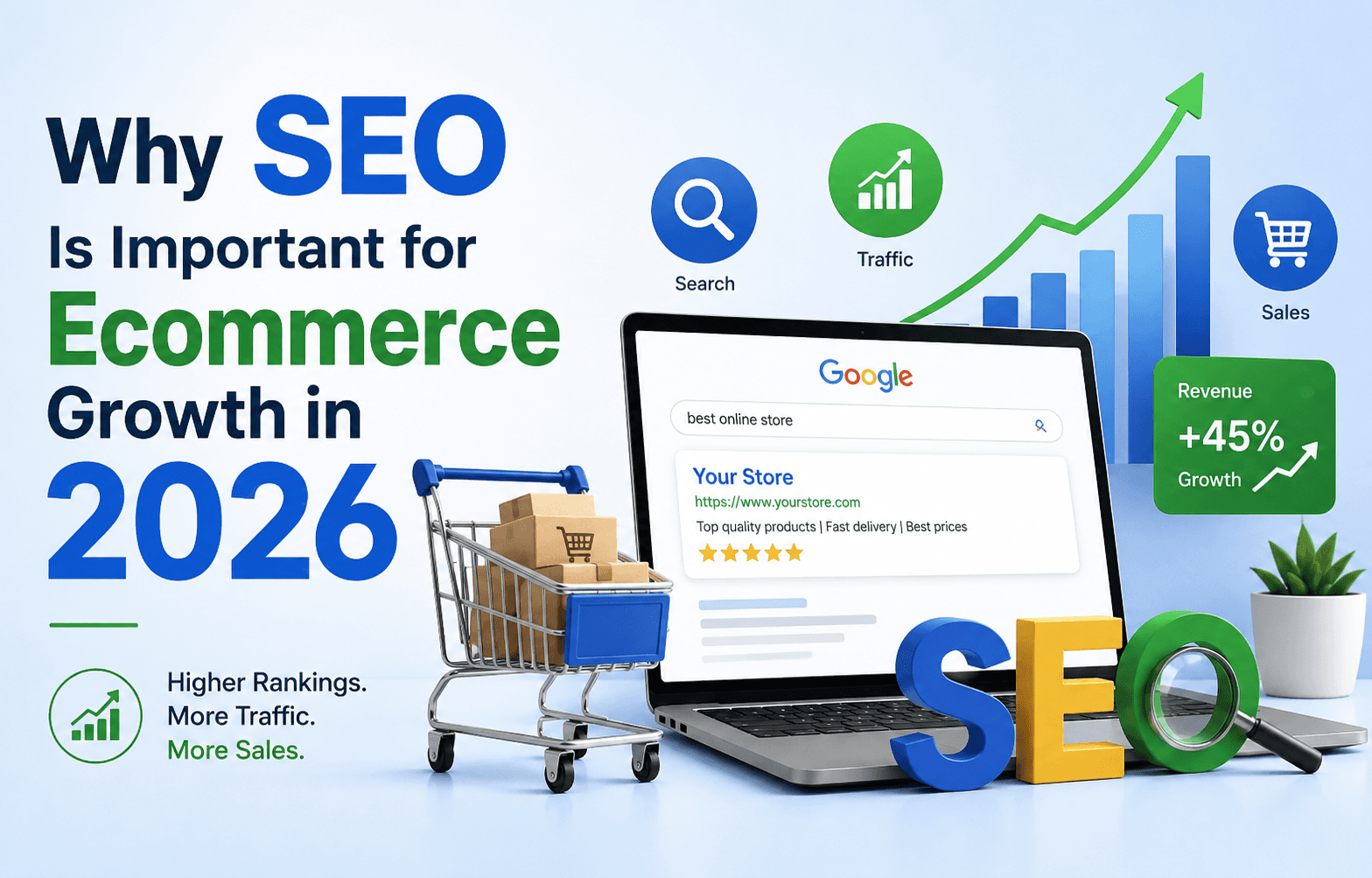
Why SEO Is Important for Ecommerce: Your Guide to Sustainable Online Growth

March 5, 2026

Why SEO Is Important for Ecommerce: Your Guide to Sustainable Online Growth

Why SEO is important for ecommerce? 92% of buyers never scroll past page one. Here's what it does for Australian stores that paid ads simply cannot match.

Should I Hire an SEO Agency? A Practical Decision Guide for Businesses 2026

February 25, 2026

Should I Hire an SEO Agency? A Practical Decision Guide for Businesses 2026

Unsure whether to hire an SEO agency? Learn when it makes sense, when to wait, costs, timelines, and how to decide with confidence.

How AI Automation is Transforming Businesses in 2025

July 16, 2025

How AI Automation is Transforming Businesses in 2025

AI automation is reshaping how businesses work. Learn key ways AI is transforming businesses, industry-specific impacts, and how to prepare your business for the future.

What is AI Automation? How It's Shaping the Future of Work

July 15, 2025

What is AI Automation? How It's Shaping the Future of Work

Understanding AI automation is key to staying competitive. Learn what AI automation is, how it differs from regular automation, real-world examples, and challenges.

What Are Website Wireframes & Why They Matter in Web Design

July 12, 2025

What Are Website Wireframes & Why They Matter in Web Design

Website wireframes are essential for successful web development. Discover what wireframes are, why they're important, common mistakes, and best practices.

What is Email Marketing? Reasons It Still Works in 2025

May 28, 2025

What is Email Marketing? Reasons It Still Works in 2025

Email marketing remains one of the most effective digital channels. Explore why email still works, automation strategies, best practices, and ROI benchmarks.

AI & Automation Trends: What Businesses Need to Know

January 31, 2025

AI & Automation Trends: What Businesses Need to Know

AI and automation are reshaping industries. Understand the differences between AI and traditional automation, key benefits, implementation strategies, and trends.

Proven Digital Marketing Strategies for Growth & SEO

January 31, 2025

Proven Digital Marketing Strategies for Growth & SEO

Digital marketing is essential for Australian businesses. Learn proven strategies for SEO, PPC, social media, email marketing, and lead generation.

Ready to Grow Your Revenue?

Partner with an Australian digital marketing agency that cares about your bottom line.