Logo
Blog

How to Do an Ecommerce SEO
Audit: The Step-by-Step Process We Use

March 19, 2026
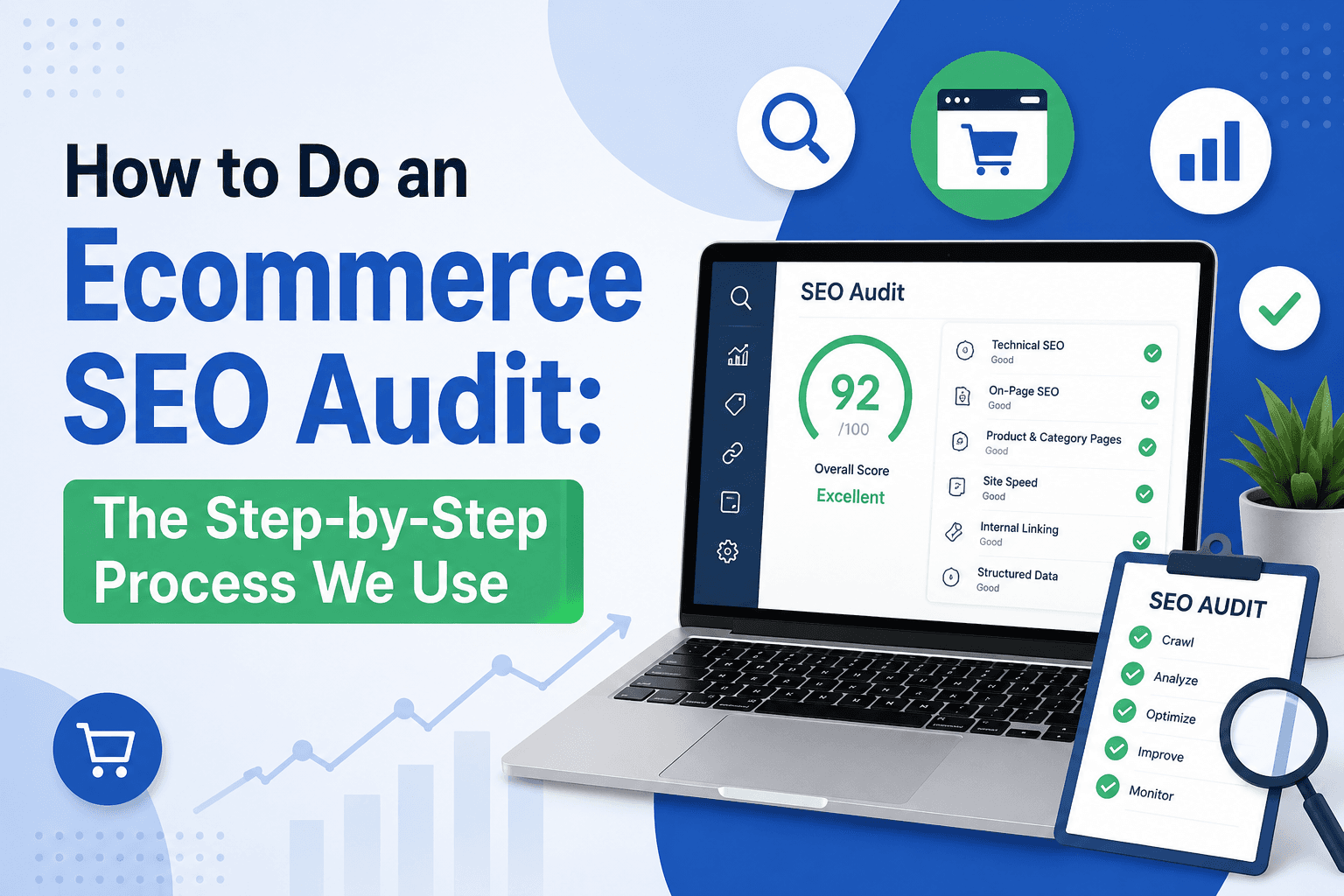
How to Do an Ecommerce SEO Audit: The Step-by-Step Process We Use

By The Development Agency March 19, 2026

An SEO audit without a clear revenue lens is just a list of problems.

Many eCommerce audits identify issues but fail to prioritize what actually impacts revenue. You get a 50-page report listing 200 technical errors, but no guidance on which fixes generate sales and which are just busywork.

The result: Teams waste months fixing low-impact issues while critical revenue-blocking problems go unaddressed. Traffic stays flat. Conversions stay low. SEO investment generates reports, not results.

This guide explains a structured eCommerce SEO audit process focused on finding and fixing the issues that affect traffic, rankings, and conversions—in priority order based on revenue impact.

Not a generic technical checklist. A revenue-focused diagnostic framework we use with Australian eCommerce stores generating $500K to $50M+ annually.


Key Highlights: What You'll Learn

  • Ecommerce SEO Audits Should Prioritize Revenue Impact, Not Just Technical Errors

  • Technical SEO Ensures Proper Crawling and Indexing of Large Product Catalogs

  • Category Pages Should Be the Main Focus of Audit Improvements

  • Product Pages Drive Long-Tail Traffic and Need Systematic Optimization

  • Content Gaps Limit Keyword Coverage and Organic Growth Potential

  • Internal Linking Impacts Ranking Distribution and Authority Flow

  • Backlinks Influence Domain Authority and Category Page Rankings

  • CRO Issues Reduce the Value of SEO Traffic (Audit Both Simultaneously)

  • Structured Audit Process Improves Prioritization and Execution Speed

  • Fixing High-Impact Issues First Delivers Faster Measurable Results
     

What Is an Ecommerce SEO Audit?

An ecommerce SEO audit is a structured analysis of a website's technical setup, content, and authority to identify issues affecting rankings, traffic, and revenue—then prioritizing fixes by business impact.

Unlike generic SEO audits, eCommerce audits must address:

  • Scale complexity: Auditing 5,000 product pages requires different approach than 50 service pages

  • Product lifecycle: Handling out-of-stock, discontinued, and seasonal products dynamically

  • Revenue attribution: Connecting technical issues to actual revenue loss (not just rankings)

  • Conversion optimization: SEO and CRO must be audited together (traffic without conversions wastes investment)

  • Competitive dynamics: eCommerce rankings shift faster than service business rankings due to pricing, inventory, and promotional changes

What a revenue-focused eCommerce audit delivers:

  • Prioritized action plan (high impact fixes first, not just comprehensive issue list)

  • Revenue impact estimates for each fix (expected traffic and conversion improvement)

  • Implementation timeline (realistic sequencing based on resources and dependencies)

  • Competitive gaps (specific areas where competitors outrank you and why)

  • Quick wins (fixes delivering results in 2-4 weeks to build momentum)

Audit frequency for eCommerce:

  • Monthly: Technical health monitoring (crawl errors, indexation, Core Web Vitals, Search Console alerts)

  • Quarterly: Category and product page performance, content gap analysis, backlink growth

  • Annually: Complete strategic audit (competitive positioning, authority gaps, content strategy review)

  • Trigger-based: Traffic drops >20%, major platform changes, algorithm updates, competitive shifts

Why monthly technical monitoring is critical for eCommerce: Unlike service business sites where technical issues accumulate slowly, eCommerce stores can develop catastrophic problems overnight. A single broken filter parameter can generate 10,000+ 404 errors appearing in Search Console the next morning. A theme update can accidentally noindex your entire product catalog. A pricing feed sync failure can suppress rankings for hundreds of products simultaneously. Monthly monitoring catches these issues before they compound into major revenue loss.

For stores needing foundational SEO knowledge before auditing, our eCommerce SEO best practices guide provides the complete tactical framework.


Why Most Ecommerce SEO Audits Fail

Traditional SEO audits fail eCommerce businesses because they apply service business frameworks to product catalogs requiring fundamentally different approaches.

Problem 1: Too Many Low-Impact Fixes

The problem: Audit reports listing 200+ issues with equal weight. Missing alt tags on blog images flagged same priority as category pages with zero content or products not indexed.

The impact: Teams spend months fixing minor issues (broken footer links, image compression on low-traffic pages, redirect chains on archive pages) while critical revenue-blocking problems remain unaddressed. After 6 months of work, traffic stays flat because high-impact issues were never prioritized.

The fix: Implement revenue-impact scoring for every issue. Categorize as Critical (blocking >$5K monthly revenue), High (blocking $1K-$5K), Medium (blocking $100-$1K), or Low (<$100 impact). Fix Critical issues immediately, plan High issues systematically, defer Medium issues until Critical/High are complete, and ignore Low issues entirely. This focuses effort on the 20% of fixes generating 80% of results.


Problem 2: No Clear Prioritization Framework

The problem: Audit provides comprehensive issue list but no guidance on what to fix first. Technical team argues for Core Web Vitals, content team wants category optimization, management wants quick wins, and nobody can agree on priorities.

The impact: Analysis paralysis. Teams argue about priorities for weeks while implementing nothing. Or worse, teams scatter effort across everything simultaneously, making minimal progress on all fronts and demonstrating zero measurable results after 3 months.

The fix: Use the Impact/Effort matrix. Map every issue by potential revenue impact (high/medium/low) and implementation difficulty (quick/medium/complex). Fix high-impact/quick wins first (category content, schema implementation, critical indexation fixes). Plan high-impact/complex fixes next (systematic product optimization, content gap closing, link building). Defer or ignore low-impact items regardless of difficulty.


Problem 3: Technical-Only Focus

The problem: Audit focuses 80% on technical SEO (crawl errors, redirect chains, page speed, schema validation) with minimal attention to category optimization, product content quality, or conversion issues.

The impact: Technical perfection without revenue growth. You achieve 100/100 PageSpeed scores, zero crawl errors, and perfect schema implementation—but traffic and revenue stay flat because your category pages have no content, product descriptions are manufacturer duplicates, and site converts poorly.

The fix: Allocate audit effort proportionally to revenue impact: 30% technical foundation (ensures everything works), 40% category and product optimization (drives traffic and rankings), 20% content and links (supports authority), 10% CRO (ensures traffic converts). Technical excellence enables revenue growth but does not replace it.


Problem 4: Ignoring Category and Product Page Quality

The problem: Audit checks if category pages exist and are indexed, but does not evaluate content quality, keyword targeting, or optimization level. Product pages checked for schema but not for unique descriptions or E-E-A-T signals.

The impact: Missing the 60-80% of revenue opportunity sitting in poorly optimized category pages. You fix technical issues but category pages still have thin content, poor keyword targeting, and weak internal linking—so they never rank competitively.

The fix: Dedicated category and product page audits evaluating: keyword optimization (are titles targeting right commercial keywords?), content quality (300-500 words on categories, 150-300 unique words on products?), internal linking strength (how many internal links point to each category?), and competitive positioning (how does your category page compare to top 3 ranking competitors?). This reveals actual optimization opportunities, not just technical compliance.


Problem 5: No Revenue Attribution or Measurement

The problem: Audit reports on rankings and traffic without connecting to actual revenue or conversions. Recommendations lack expected revenue impact or ROI estimates.

The impact: Cannot justify SEO investment or prioritize fixes. When management asks "which fixes generate revenue?", audit provides no answer. Resources get allocated to wrong priorities because revenue impact is unknown.

The fix: Revenue-attribution framework for audit findings. For each high-impact issue, estimate: current monthly traffic to affected pages, conversion rate of that traffic, average order value, projected traffic increase from fix (percentage), projected revenue increase (traffic × conversion × AOV × improvement percentage). Example: Category page with 500 monthly visits, 2% conversion, $100 AOV, currently generates $1,000 monthly. Optimization expected to increase traffic 3x to 1,500 visits = $3,000 monthly ($24,000 annually). This enables data-driven prioritization.

For businesses needing strategic framework before diving into audits, our eCommerce SEO strategy guide explains revenue-focused planning.


Step-by-Step Ecommerce SEO Audit Process

This 7-step process ensures comprehensive coverage while maintaining revenue focus. Each step produces actionable prioritized findings.

The 7-Step Revenue Audit Workflow

1. The Foundation (Technical SEO):
Can search engines crawl and index your catalog? Fix crawlability, indexation, INP, schema, and Merchant Center sync before anything else matters.

2. The Engine (Category Pages):
Are your traffic hubs optimized for commercial intent? Category pages drive 60-80% of revenue—prioritize these over everything else.

3. The Converter (Product Pages):
Do individual product pages have unique value and E-E-A-T signals? Systematic optimization captures long-tail traffic and supports category authority.

4. The Expansion (Content Gaps):
Where are you missing "best [product]" and comparison queries? Content gaps represent untapped keyword opportunities competitors are capturing.

5. The Glue (Internal Linking):
Is authority flowing from high-authority pages to revenue-generating pages? Strategic internal linking distributes ranking power where it drives sales.

6. The Moat (Backlinks):
How far behind the market leader are you in domain authority? Backlink gaps prevent competitive rankings for commercial keywords.

7. The Payoff (CRO):
Is the traffic you are winning actually converting to sales? Conversion optimization ensures SEO investment generates revenue, not just visitors.

Execution logic: Foundation must work before Engine matters. Engine drives traffic that Converter captures. Expansion grows keyword coverage. Glue distributes authority. Moat enables competitive rankings. Payoff ensures revenue. Fix in sequence for maximum impact.


Step 1: Technical SEO Audit

Technical SEO ensures search engines can crawl, index, and rank your product catalog efficiently. For eCommerce, technical issues often block thousands of pages from ranking.

Crawlability Audit

What to check:

  • Robots.txt configuration (not blocking critical pages or CSS/JavaScript)

  • XML sitemap accuracy (only includes indexable pages, submitted to Search Console)

  • Internal link structure (all products reachable within 3-4 clicks from homepage)

  • Orphaned pages (pages only accessible via search, not internal links)

  • Broken internal links (404 errors breaking user paths and crawl flow)

  • Pagination implementation (rel="next"/rel="prev" or infinite scroll with proper SEO)

How to audit:

  • Crawl site with Screaming Frog (identify crawl errors, broken links, orphaned pages)

  • Review robots.txt and XML sitemaps

  • Check Google Search Console Coverage report for blocked pages

  • Map site structure showing click depth to all product pages

Common issues found:

  • Products blocked by robots.txt accidentally (typically from dev/staging settings left active)

  • Orphaned products unreachable except via search (new products not linked from categories)

  • Broken internal links from discontinued products (302/404 errors throughout site)

Priority: Critical. Fix immediately. Crawlability blocks everything else.


Indexation Audit

What to check:

  • Total indexed pages (Google "site:yourstore.com")

  • Indexed page count vs actual product count (should be 1-1.5x max)

  • Faceted navigation indexation (filter combinations creating duplicate pages)

  • Out-of-stock product handling (indexed with OutOfStock schema or redirected?)

  • Duplicate content from variants (color/size variations causing separate indexed pages)

  • Parameter handling in Search Console (properly configured for filters and sorting?)

How to audit:

  • Search "site:yourstore.com" and compare count to actual product inventory

  • Review Google Search Console Index Coverage report

  • Identify duplicate content using Screaming Frog or Siteliner

  • Audit faceted navigation URLs for indexation issues

Common issues found:

  • 47,000 pages indexed from 2,000 products (uncontrolled faceted navigation)

  • Out-of-stock products showing 404 errors in search results

  • Multiple URLs for same product (with/without trailing slash, HTTP vs HTTPS, www vs non-www)

  • Filter combinations indexed without search demand (color=red&size=large&material=cotton&price=50-100)

Critical 2026 update: Excessive indexation from faceted navigation remains the #1 crawl budget killer for eCommerce stores. With AI bots (ChatGPT, Perplexity, Gemini crawlers) now crawling the web alongside Googlebot, crawl efficiency is more expensive than ever. If you waste crawl budget on filter combinations, search engines and AI crawlers lack resources to discover and index your new high-margin product arrivals. The opportunity cost of poor indexation management has doubled in 2026.

Priority: Critical. Indexation waste prevents new products from being discovered and ranked.


Site Architecture Audit

What to check:

  • Hierarchy clarity (Homepage → Category → Subcategory → Product logical structure?)

  • Category organization (categories organized by commercial search intent?)

  • Breadcrumb implementation (present on all pages with schema?)

  • URL structure (clean, keyword-rich, avoiding unnecessary parameters?)

  • Internal linking patterns (authority flowing to priority pages?)

How to audit:

  • Map site architecture visually

  • Review URL patterns for logic and SEO-friendliness

  • Check breadcrumb schema implementation

  • Analyze internal link distribution (which pages receive most internal links?)

Common issues found:

  • Flat site structure (all products linked from homepage, no category hierarchy)

  • Category organization by brand instead of use case (hurts keyword targeting)

  • Messy URL structure (/product?id=12345 instead of /category/product-name)

Priority: High. Poor architecture dilutes authority and confuses Google about page relationships.


Page Speed Audit (Core Web Vitals)

What to check:

  • INP (Interaction to Next Paint): Target under 200ms—THE critical 2026 metric

  • LCP (Largest Contentful Paint): Target under 2.5 seconds

  • CLS (Cumulative Layout Shift): Target under 0.1

  • Third-party scripts blocking main thread (chatbots, pixels, analytics)

  • Image optimization (compression, format, lazy loading)

  • Server response time (TTFB under 200ms)

  • Mobile vs desktop performance gap

How to audit:

  • Run Google PageSpeed Insights on homepage, top category, top product

  • Review Core Web Vitals report in Search Console

  • Identify blocking resources and optimization opportunities

  • Test on actual mobile devices (not just desktop simulation)

Common issues found:

  • INP failures from excessive third-party scripts (Facebook Pixel, chatbots, heatmaps)

  • Large uncompressed product images killing LCP (5MB images loaded above fold)

  • CLS from ads, popups, or dynamic content shifting layout

  • Mobile experience significantly worse than desktop (different scripts, unoptimized images)

Why INP matters in 2026: INP replaced FID in March 2024 as Core Web Vital. Measures responsiveness when users click buttons—most eCommerce stores fail because scripts block main thread making "Add to Cart" unresponsive. The primary culprit is third-party script bloat: older chat widgets loading 500KB+ of JavaScript, Facebook Pixel tracking every interaction, multiple analytics platforms running simultaneously, and heatmap tools recording sessions all compete for main thread resources. Users click "Add to Cart" but the button does not respond for 1-2 seconds because scripts are still executing. This kills both rankings (poor Core Web Vitals score) and conversions (users think site is broken).

Priority: Critical for rankings AND conversions. Poor page speed impacts both directly.

For detailed Core Web Vitals optimization, our technical SEO for eCommerce guide provides implementation guidance.


Schema Markup Audit

What to check:

  • Product schema implementation (name, image, brand, SKU, offers, price, availability)

  • Review schema (AggregateRating with count and value)

  • Breadcrumb schema on all pages

  • Organization schema on homepage

  • Schema accuracy (price/availability matching on-page display AND Merchant Center feed)

  • Schema errors in Search Console (Rich Results Status report)

How to audit:

  • Test pages with Google Rich Results Test

  • Review Rich Results Status report in Search Console

  • Audit Product schema for completeness and accuracy

  • Verify price/availability sync across schema, page, and feed

Common issues found:

  • Missing Product schema on 60-80% of products

  • Price in schema not matching on-page price or Merchant Center feed

  • Incomplete Offer schema (missing availability or seller information)

  • Review schema present but not implemented correctly

Critical 2026 update: Product schema is now the API feeding Google's AI Overviews. Incomplete or inaccurate schema makes products invisible to AI assistants. Price/availability mismatches between schema, page, and Merchant Center feed suppress organic rankings.

Priority: High. Schema affects both traditional results and 2026 AI features.


Merchant Center Feed Sync Audit (New 2026 Critical Requirement)

What to check:

  • Merchant Center feed configured and active

  • Product prices in feed matching on-page prices exactly

  • Product prices in feed matching schema prices exactly

  • Stock availability in feed matching page display and schema

  • Feed update frequency (should update automatically when prices/stock change)

  • Feed errors or warnings in Merchant Center dashboard

How to audit:

  • Access Google Merchant Center dashboard

  • Compare feed prices to random sample of on-page prices

  • Compare feed availability to schema availability field

  • Review Merchant Center diagnostics for errors

Common issues found:

  • Feed prices not syncing with website (manual updates lag behind)

  • Availability mismatches (feed shows InStock, page shows OutOfStock)

  • Feed not updating when prices change (weekly batch instead of real-time)

Why this matters in 2026: Google now cross-references Merchant Center feed, on-page content, and schema. Mismatches suppress organic rankings (not just Shopping ads). Technical SEO and feed management are now inseparable.

Priority: Critical for stores using Google Shopping. High for all stores (affects organic rankings).


Step 2: Category Page Audit

Category pages drive 60-80% of organic revenue but receive disproportionately little audit attention. This step identifies category-level opportunities.

Category Keyword Targeting Audit

What to check:

  • Are top 10-20 categories targeting right commercial keywords?

  • Title tags optimized for primary commercial keywords? (under 60 characters)

  • H1 tags match keyword intent?

  • Meta descriptions compelling and keyword-optimized? (under 160 characters)

  • Keywords naturally integrated in content?

How to audit:

  • List top 20 categories by revenue or traffic

  • Research primary commercial keyword for each (Ahrefs, SEMrush)

  • Evaluate title tag, H1, meta description optimization

  • Compare your keyword targeting to top 3 ranking competitors

Common issues found:

  • Generic category names not aligned with search keywords ("Products" instead of "Men's Running Shoes")

  • Title tags missing primary keywords or too generic

  • Multiple categories targeting same keyword (cannibalization)

Priority: High. Keyword targeting determines which searches you can compete for.


Category Content Quality Audit

What to check:

  • Word count on each category (300-500 words minimum for competitive categories)

  • Content placement (1-2 sentences above product grid, rest below?)

  • Content quality (unique value or thin generic text?)

  • FAQ sections present on categories?

  • Comparison tables or buying guides integrated?

  • Internal links to related categories?

How to audit:

  • Review content on top 20 categories

  • Compare content length and quality to top-ranking competitors

  • Evaluate content placement (above vs below product grid)

  • Check for FAQ sections and internal linking

Common issues found:

  • Zero content on 70-80% of categories (just product grids)

  • Thin generic content (50-100 words of useless text)

  • Content placed entirely above product grid (blocking products, killing conversions)

  • No FAQ sections answering common category questions

Critical insight: Category content is the #1 quick win for most stores. Adding 300 words to top 5 categories typically increases traffic 20-40% within 8 weeks.

Priority: Critical. Category content directly drives rankings and traffic.


Category Internal Linking Audit

What to check:

  • How many internal links point to each category?

  • Do blog posts link to relevant categories?

  • Do categories link to subcategories and related categories?

  • Does homepage link to top categories prominently?

  • Are contextual links using descriptive anchor text?

How to audit:

  • Use Screaming Frog or Ahrefs to count inbound internal links per category

  • Review blog posts for category links

  • Check homepage for category link prominence

  • Evaluate anchor text quality

Common issues found:

  • Categories only linked from main navigation (weak internal linking)

  • Blog content exists but never links to categories (wasted authority)

  • Homepage linking to "About Us" and "Contact" prominently but categories buried

Priority: High. Internal linking distributes authority to categories from blog content.


Category Indexation Status Audit

What to check:

  • Are all important categories indexed?

  • Any categories accidentally noindexed?

  • Canonical tags pointing correctly (categories to themselves, not other pages)?

  • Category pages in XML sitemap?

How to audit:

  • Search "site:yourstore.com/category-name" for each category

  • Review indexation in Google Search Console

  • Check for noindex tags or robots directives

  • Verify canonical tags

Common issues found:

  • Important categories noindexed accidentally (dev settings left active)

  • Categories missing from XML sitemap

  • Categories canonicaling to homepage (destroys category rankings)

Priority: Critical. Non-indexed categories cannot rank.


Step 3: Product Page Audit

Product pages support long-tail traffic capture. Audit focuses on scalable issues affecting hundreds of products.

Product Description Audit

What to check:

  • What percentage of products use manufacturer descriptions? (benchmark: should be 0%)

  • What percentage have unique descriptions? (benchmark: 80%+ for competitive stores)

  • Average description length (benchmark: 150-300 words for competitive products)

  • Quality of descriptions (benefits/use cases or just specifications?)

  • Tiered approach implemented (detailed for top sellers, basic for long-tail)?

How to audit:

  • Sample 50 random products

  • Check descriptions against manufacturer websites

  • Calculate percentage with unique content

  • Evaluate description quality and length

Common issues found:

  • 80-90% using manufacturer descriptions (massive duplicate content)

  • Descriptions under 50 words (too thin to rank)

  • Specification lists without benefits or use cases

Priority: High. Duplicate manufacturer descriptions are the #1 product SEO issue.


Product Schema Audit

What to check:

  • Product schema present on all product pages?

  • Required fields complete (name, image, brand, offers, price, availability)?

  • Optional fields utilized (SKU, GTIN, condition, material, color)?

  • Review schema implemented where reviews exist?

  • Schema accuracy (price/availability matching page and feed)?

How to audit:

  • Test 20 random products with Google Rich Results Test

  • Review Rich Results Status in Search Console

  • Verify price/availability sync

  • Check schema completeness

Common issues found:

  • Missing Product schema on 60-80% of products

  • Incomplete Offer schema (missing availability field)

  • Price mismatches between schema and page

  • Review schema not implemented despite having reviews

Priority: High. Schema affects rich results and AI Overviews visibility.


Product Image Optimization Audit

What to check:

  • Image compression (are images under 200KB each?)

  • Image format (using WebP or still PNG/JPEG?)

  • Lazy loading implemented?

  • Alt text present and descriptive?

  • Multiple product images (6+ per product for best sellers?)

How to audit:

  • Review image file sizes in Screaming Frog

  • Check alt text presence and quality

  • Evaluate image quantity per product

  • Test page speed impact of images

Common issues found:

  • 3-5MB uncompressed images

  • Missing or generic alt text ("image1.jpg")

  • Only 1-2 images per product (weak visual)

Priority: Medium. Affects page speed and Google Images traffic (15-20% of eCommerce traffic).


Product E-E-A-T Signals Audit (2026 Ranking Factor)

What to check:

  • Expert reviews or endorsements present?

  • "Used by" sections showing real customers/professionals?

  • Certifications, awards, or testing badges displayed?

  • Brand partnerships or collaborations mentioned?

  • Links to authoritative sources (manufacturer specs, industry standards)?

How to audit:

  • Review top 20 products for E-E-A-T signals

  • Compare to competitor product pages

  • Identify gaps in expertise demonstration

Common issues found:

  • Zero E-E-A-T signals (looks like dropshipping site)

  • No expert endorsements or professional usage examples

  • Missing certifications even when products have them

Why this matters in 2026: Google uses E-E-A-T signals to distinguish legitimate stores from AI-generated dropshipping sites. Products without proof of experience increasingly get filtered as low-quality. Critical insight: E-E-A-T signals serve dual purpose—they improve rankings (SEO benefit) AND increase conversion rate (CRO benefit) by building trust. Expert endorsements prove legitimacy to Google while simultaneously convincing customers to purchase. This makes E-E-A-T implementation one of the highest-ROI optimizations available: one change improves both traffic acquisition and conversion simultaneously.

Priority: Medium-High. Growing importance as ranking signal and trust factor.


Product Review Audit

What to check:

  • Reviews enabled on product pages?

  • Review schema implemented correctly?

  • Average number of reviews per product?

  • Review response rate (are you responding to reviews?)

  • Review solicitation process (post-purchase emails?)

How to audit:

  • Check review presence on top 50 products

  • Verify review schema implementation

  • Evaluate review quantity and quality

  • Check for review responses

Common issues found:

  • Reviews not enabled (missing trust and content)

  • Review schema not implemented (missing rich snippets)

  • No review solicitation process (waiting for organic reviews only)

Priority: Medium-High. Reviews impact rankings, CTR, and conversions simultaneously.


Step 4: Content Gap Audit

Content gaps represent missed keyword opportunities. This audit identifies where competitors capture traffic you are missing.

Commercial Investigation Keyword Gaps

What to check:

  • Buying guides and comparison content competitors rank for

  • Commercial keywords ("best X for Y") with no matching content on your site

  • Category-adjacent keywords you could capture with content

  • Question-based keywords with commercial intent

How to audit:

  • Use Ahrefs Content Gap tool (compare your site to top 3 competitors)

  • Identify keywords competitors rank for that you do not

  • Filter for commercial investigation intent (buying guides, comparisons, "best for")

  • Prioritize by search volume and commercial value

Common gaps found:

  • Competitors have comprehensive buying guides for every category

  • Comparison content ("X vs Y") missing entirely

  • No content for modifiers ("best running shoes for flat feet", "budget gaming laptops")

Priority: High. Closing top 10-20 content gaps can add 3,000-10,000 monthly visitors.


Informational Content Gaps

What to check:

  • How-to content and educational guides

  • Industry terms and definitions

  • Problem-solution content

  • Use case guides

How to audit:

  • Research informational keywords in your niche

  • Identify educational content competitors publish

  • Evaluate content comprehensiveness

Common gaps found:

  • Zero educational content (only transactional pages)

  • Thin blog content not comprehensive enough to rank

  • No problem-solution guides linking to products

Priority: Medium. Informational content supports authority but converts poorly (1-3%). Focus on commercial gaps first.


Internal Linking from Content Gaps

What to check:

  • Does existing content link to categories and products strategically?

  • How many internal links from blog to categories?

  • Are blog posts linking to relevant products?

Common gaps found:

  • Blog content exists but never links to revenue pages

  • Content links to wrong priorities (informational pages instead of categories)

  • Generic anchor text ("click here" instead of "women's running shoes")

Priority: High. Existing content not linking to revenue pages wastes authority.


Step 5: Internal Linking Audit

Internal linking distributes authority and improves crawlability. Poor internal linking leaves authority trapped in blog posts while revenue pages starve.

Link Distribution Analysis

What to check:

  • Which pages receive most internal links?

  • Are category pages receiving adequate internal links?

  • Are blog posts receiving more internal links than categories? (red flag)

  • How many clicks to reach products from homepage?

How to audit:

  • Use Screaming Frog or Ahrefs to count inbound internal links per page

  • Identify pages with disproportionate link counts

  • Map click depth from homepage to all products

Common issues found:

  • Blog posts have 50+ internal links, categories have 3-5 (authority inversion)

  • Homepage linking prominently to "About Us" but categories buried

  • Products require 6-8 clicks from homepage (too deep)

Priority: High. Redistributing internal links can improve rankings within weeks.


Anchor Text Quality

What to check:

  • Are anchor texts descriptive and keyword-rich?

  • Over-optimization (exact match anchor text excessively)?

  • Generic anchors ("click here", "read more") wasting link value?

How to audit:

  • Export internal links with anchor text

  • Categorize as descriptive, generic, or exact match

  • Identify optimization opportunities

Common issues found:

  • 60%+ generic anchor text ("click here", "learn more")

  • Missed keyword optimization opportunities

  • No variation in anchor text (always exact same phrase)

Priority: Medium. Improves link value and keyword association.


Orphaned Page Detection

What to check:

  • Are any products or categories unreachable via internal links?

  • Pages only accessible via search or direct URL?

  • Recently added products not linked from category pages?

How to audit:

  • Crawl site with Screaming Frog

  • Compare crawled pages to actual page count

  • Identify pages missing from crawl (orphaned)

Common issues found:

  • New products added but not linked from categories

  • Discontinued categories still indexed but unlinked

  • Blog posts not linked from anywhere except sitemap

Priority: High. Orphaned pages cannot be discovered by users or crawlers effectively.


Step 6: Backlink Audit

Backlinks drive domain authority affecting all page rankings. Audit identifies authority gaps and toxic link risks.

Domain Authority Analysis

What to check:

  • Total referring domains (Ahrefs, Moz, SEMrush)

  • Domain Rating/Authority score

  • Authority trend (growing, flat, declining?)

  • Comparison to top 3 competitors in your niche

How to audit:

  • Check referring domain count in Ahrefs or SEMrush

  • Compare Domain Rating to competitors

  • Review link acquisition trend (monthly new referring domains)

Benchmarks:

  • Small stores ($500K-$2M revenue): 50-100 referring domains

  • Medium stores ($2M-$10M revenue): 200-500 referring domains

  • Large stores ($10M+ revenue): 1,000+ referring domains

Common gaps found:

  • 30 referring domains while competitors have 300+ (massive authority gap)

  • Declining link acquisition (no active link building)

  • Authority concentrated in blog posts, not categories

Priority: High. Authority gaps prevent competitive rankings for commercial keywords.


Link Quality Assessment

What to check:

  • Are backlinks from relevant, authoritative sites?

  • Link sources (editorial, directory, forum, blog comments)?

  • Anchor text distribution (natural or manipulative?)

  • Follow vs nofollow ratio

How to audit:

  • Review backlink profile in Ahrefs or SEMrush

  • Sample 50 most valuable backlinks and evaluate quality

  • Identify spammy or low-quality links

Common issues found:

  • Backlinks primarily from low-quality directories

  • Manipulative exact-match anchor text patterns

  • Links from irrelevant sites (spam footprints)

Priority: Medium-High. Quality matters more than quantity.


Toxic Link Detection

What to check:

  • Links from spam sites, PBNs, or link farms

  • Paid links that violate Google guidelines

  • Excessive exact-match anchor text

  • Links from hacked sites or malware sources

How to audit:

  • Run toxic link analysis in Ahrefs, SEMrush, or Moz

  • Identify suspicious patterns (sudden link spikes, irrelevant sites)

  • Create disavow list if needed

Common issues found:

  • Spam links from Russian, Chinese, or Indonesian sites

  • Sudden spike of 500 links from single domain (unnatural)

  • Links from known PBN footprints

Priority: Medium. Toxic links can trigger penalties but are less common than perceived.


Competitive Link Gap Analysis

What to check:

  • Which sites link to competitors but not you?

  • What content earns competitors backlinks?

  • Are there link opportunities you are missing?

How to audit:

  • Use Ahrefs Link Intersect tool

  • Identify sites linking to 2+ competitors but not you

  • Evaluate link acquisition opportunities

Common opportunities found:

  • Industry directories linking to all competitors except you

  • Resource pages listing competitor stores

  • Product review sites covering competitors

Priority: High. Identifies immediately actionable link opportunities.


Step 7: CRO (Conversion Rate Optimization) Audit

SEO without conversion optimization wastes investment. This audit identifies conversion leaks reducing value of SEO traffic.

User Experience Audit

What to check:

  • Product information clarity (images, descriptions, specifications)

  • Navigation intuitiveness (can users find products easily?)

  • Search functionality quality (does site search work well?)

  • Mobile experience (responsive, touch-friendly, readable?)

  • Trust signals (reviews, security badges, return policy accessibility)

How to audit:

  • Navigate site as customer would

  • Test product search functionality

  • Review product pages for information completeness

  • Test mobile experience on actual devices

Common issues found:

  • Missing critical product information (sizing, materials, care instructions)

  • Site search returns poor results

  • Mobile text unreadable without zooming

  • No trust signals on product or checkout pages

Priority: High. Poor UX kills conversions regardless of traffic quality.


Checkout Flow Audit

What to check:

  • Number of steps in checkout (benchmark: 3-5 steps)

  • Guest checkout available?

  • Multiple payment options offered?

  • Form fields minimized (only essential information)?

  • Shipping costs shown early (before checkout)?

  • Progress indicator visible?

How to audit:

  • Complete test purchase on desktop and mobile

  • Count steps and form fields required

  • Evaluate friction points

  • Compare to competitor checkout processes

Common issues found:

  • Forced account creation (no guest checkout)

  • 8-10 checkout steps (excessive friction)

  • Shipping costs hidden until final step (cart abandonment trigger)

  • Only one payment method accepted

Why this matters: 57% of users abandon checkout if it takes more than 3 seconds to load. 69% abandon if forced to create account.

Priority: Critical. Checkout friction directly impacts conversion rate.


Trust Signal Audit

What to check:

  • Customer reviews displayed prominently?

  • Security badges at checkout (SSL, payment icons)?

  • Return policy clearly stated?

  • Contact information easy to find?

  • About Us page establishing credibility?

  • Social proof (customer count, years in business)?

How to audit:

  • Review product pages for trust signals

  • Check checkout for security indicators

  • Evaluate policy page accessibility

  • Compare trust signals to competitors

Common issues found:

  • No reviews displayed (or reviews disabled)

  • No security badges at checkout

  • Return policy buried or unclear

  • Contact page requires form submission (no phone/email visible)

Priority: High. Trust signals impact conversion rate significantly (15-30% improvement common).


Page Speed Impact on Conversions

What to check:

  • Correlation between page speed and conversion rate

  • Cart abandonment rate on slow pages

  • Mobile conversion rate vs desktop

How to audit:

  • Compare conversion rates of fast vs slow pages

  • Analyze cart abandonment by page speed

  • Review mobile vs desktop conversion gap

Common insights:

  • 1-second page speed delay = 7% conversion rate reduction

  • Mobile conversion rate 40% lower than desktop (often speed-related)

  • Slow checkout pages have 2-3x higher cart abandonment

Priority: Critical. Page speed impacts both rankings AND revenue directly.


How to Prioritize SEO Fixes

After identifying issues, prioritization determines execution success. This framework sorts fixes by impact and effort.

The Revenue Impact Scoring Framework

Every issue identified in the audit should be scored by two factors: Revenue Impact (how much revenue does this issue block?) and Implementation Effort (how difficult is it to fix?).

Revenue Impact Levels:

  • High ($$$): Blocking $5,000+ monthly revenue

  • Medium ($$): Blocking $1,000-$5,000 monthly revenue

  • Low ($): Blocking under $1,000 monthly revenue

Implementation Effort Levels:

  • Low: Can be fixed in hours or days (copywriting, configuration changes, simple technical fixes)

  • Medium: Requires 1-2 weeks (development work, systematic optimization, tool setup)

  • High: Requires 1-3+ months (major development, large-scale content creation, link building campaigns)

Revenue Impact Scoring Table

Issue

Revenue Impact

Implementation Effort

Priority

Why

Category Content (Top 5)

High ($$$)

Low (Copywriting)

1 (Quick Win)

Adding 300 words to top 5 categories = 20-40% traffic increase in 8 weeks

INP Fix (Script Deferral)

High ($$$)

Medium (Dev)

2 (Critical)

Poor INP blocks rankings AND kills conversions. Fix impacts both simultaneously

Product Schema Errors

Medium ($$)

Low (App Fix)

3 (Must-Do)

Missing schema blocks AI Overviews and rich results. Quick fix, measurable impact

Faceted Nav Control

High ($$$)

Medium (Dev)

4 (Critical)

47,000 indexed pages from 2,000 products wastes crawl budget. Urgent but requires development

Feed-Schema-Page Sync

High ($$$)

Low (Config)

5 (Critical)

Price mismatches suppress organic rankings. Critical 2026 requirement

Merchant Descriptions

High ($$$)

High (Content)

6 (Strategic)

Duplicate content on 80% of products blocks rankings. High impact but requires scale effort

Content Gap Closing

High ($$$)

High (Content)

7 (Strategic)

Missing keyword opportunities competitors capture. Plan 3-5 guides over 3 months

Backlink Gap Closing

High ($$$)

High (PR/Outreach)

8 (Strategic)

Authority gap prevents competitive rankings. Long-term systematic effort required

Alt Tag Clean-up

Low ($)

Medium (Manual)

9 (Defer)

Minor SEO benefit, time-consuming manual work. Fix after critical items complete

Footer Link Optimization

Low ($)

Low (Quick)

10 (Ignore)

Zero revenue impact despite being "easy." Ignore entirely in favor of categories

How to use this table:

  1. Score every issue found in audit by Revenue Impact and Implementation Effort

  2. Fix issues 1-5 first (critical quick wins and critical issues requiring planning)

  3. Plan issues 6-8 systematically (high impact but require sustained effort)

  4. Defer issues 9 until critical items complete

  5. Ignore issues 10 entirely (low impact regardless of effort)


The Impact/Effort Matrix (Visual Framework)

High Impact / Low Effort (Do First - Month 1):

  • Category content optimization (top 5 categories): Add 300 words below product grid. Takes 2-3 hours per category. Expected 20-40% traffic increase to optimized categories within 8 weeks.

  • Feed-Schema-Page sync fixes: Ensure price and availability match across all three. Takes 1-2 hours. Prevents organic ranking suppression.

  • Critical indexation blocks: Remove noindex tags blocking revenue pages. Takes 30 minutes. Immediate impact.

  • Schema implementation (top 50 products): Add Product schema via plugin. Takes 2-3 hours. Enables rich results and AI visibility.

  • Homepage→Category internal linking: Link to top 5-10 categories prominently. Takes 1 hour. Signals priority to Google.

Expected Month 1 results: 15-25% traffic increase from quick wins


High Impact / Medium Effort (Plan Systematically - Month 2-3):

  • INP optimization: Remove/defer blocking third-party scripts, compress images. Takes 1-2 weeks. Improves rankings AND conversions.

  • Faceted navigation control: Implement parameter handling, noindex filters. Takes 1-2 weeks development. Saves massive crawl budget waste.

  • Next 10-15 category optimizations: Systematic content creation and optimization. Takes 4-6 weeks. Extends traffic gains.

  • Internal linking redistribution: Strategic links from blog to categories. Takes 1 week. Distributes authority to revenue pages.

  • CRO improvements (high-traffic pages): Fix checkout friction, add trust signals. Takes 2-3 weeks. Improves conversion rate 0.5-1%.

Expected Month 2-3 results: 25-40% cumulative traffic increase, 15-30% conversion rate improvement


High Impact / High Effort (Strategic Planning - Month 3-6):

  • Complete product description overhaul: Unique descriptions for 500-1,000 products. Takes 8-12 weeks. Eliminates duplicate content penalties.

  • Content gap closing: Create 5-10 comprehensive buying guides and comparisons. Takes 3-6 months. Captures missing keyword opportunities.

  • Systematic link building campaign: Target 10-20 new quality backlinks monthly. Takes 3-6+ months. Closes domain authority gap with competitors.

  • E-E-A-T signal implementation: Add expert reviews, certifications, proof of experience across catalog. Takes 2-3 months. Proves legitimacy vs AI-generated sites.

Expected Month 3-6 results: 40-60% cumulative traffic increase, competitive category rankings achieved


Low Impact / Low Effort (Defer Until Critical Issues Resolved):

  • Minor image optimization on low-traffic pages

  • Meta description tweaks on pages with under 100 monthly visits

  • Redirect chain cleanup on archive pages

  • Perfect score chasing (96/100 to 100/100 PageSpeed when Core Web Vitals already passing)

Action: Complete these only after Month 1-3 critical items are finished. Or ignore entirely if resources limited.


Low Impact / High Effort (Ignore Entirely):

  • Over-optimization of already #1-ranking pages

  • Obsessive technical compliance with zero ranking benefit

  • Perfect alt text on decorative images with no search value

  • Minor UX improvements on pages generating under $100 monthly revenue

Action: Ignore these completely. Opportunity cost too high compared to category optimization and content gaps.


Revenue Impact Scoring Formula

For each high-impact issue, calculate estimated revenue impact:

Monthly Revenue Impact = (Current Traffic × Projected Traffic Increase %) × Conversion Rate × Average Order Value


Example Category Optimization:

- Current: 500 monthly visits × 2% conversion × $100 AOV = $1,000/month

- After optimization: 1,500 visits × 2.5% conversion × $100 AOV = $3,750/month

- Impact: $2,750 monthly increase ($33,000 annually)


Use this to prioritize: Fix issues with highest monthly revenue impact first, regardless of technical complexity.


Tools for Ecommerce SEO Audit

Essential tools for conducting comprehensive eCommerce audits:

Google Search Console (Free):

  • Technical health monitoring (crawl errors, indexation, Core Web Vitals)

  • Performance data (impressions, clicks, CTR, rankings)

  • Manual actions and security issues

  • Rich results status

Screaming Frog SEO Spider (Free for 500 URLs, Paid for larger sites):

  • Complete site crawl identifying technical issues

  • Internal link analysis

  • Duplicate content detection

  • Schema validation

  • Page speed data

Ahrefs or SEMrush (Paid - $99-$999/month):

  • Backlink analysis

  • Keyword research and gap analysis

  • Competitive analysis

  • Rank tracking

  • Content gap identification

Google PageSpeed Insights (Free):

  • Core Web Vitals measurement

  • Performance optimization recommendations

  • Real user experience data

Google Rich Results Test (Free):

  • Schema markup validation

  • Rich result eligibility checking

Google Analytics 4 (Free):

  • Traffic and conversion tracking

  • User behavior analysis

  • Revenue attribution

  • Goal completion measurement

Optional Advanced Tools:

  • Sitebulb (visual site auditing)

  • DeepCrawl (enterprise crawling and monitoring)

  • Botify (large-site technical SEO platform)

  • Conductor (enterprise SEO platform)

Tool selection by store size:

  • Small stores (<$1M revenue): Google Search Console, Google Analytics, free Screaming Frog, Google PageSpeed Insights

  • Medium stores ($1M-$10M): Add Ahrefs or SEMrush

  • Large stores ($10M+): Full tool stack including enterprise crawling platform


When to Hire an SEO Expert

Some audits require professional expertise and tools. Hire expert help when:

Technical complexity exceeds internal capabilities:

  • Large product catalogs (5,000+ products) requiring enterprise crawling tools

  • Complex JavaScript frameworks (React, Vue, Angular) with rendering issues

  • Platform migrations or major technical changes

  • Persistent technical issues despite multiple fix attempts

Revenue stakes justify professional investment:

  • Stores generating $500K+ annual revenue (professional audit ROI justifies cost)

  • Traffic drops >30% requiring urgent diagnosis

  • Major algorithm updates impacting rankings

  • Competitive markets requiring advanced analysis

Internal resources are constrained:

  • No dedicated SEO person or team

  • Technical team lacks SEO expertise

  • Content team overwhelmed with optimization backlog

  • Management needs external validation of SEO investment

Audit scope requires specialized tools:

  • Enterprise crawling platforms (Botify, DeepCrawl)

  • Advanced competitive intelligence

  • Large-scale backlink analysis

  • Technical audit automation

What professional eCommerce SEO audit includes:

  • Complete 7-step audit process documented in this guide

  • Revenue-impact estimates for all high-priority fixes

  • Competitive gap analysis (detailed comparison to top 3 competitors)

  • Prioritized action plan with implementation timeline

  • Tool recommendations and setup guidance

  • Ongoing optimization roadmap (90-day, 6-month, 12-month plans)

Expected investment:

  • Small store audit ($2K-$5K): Basic audit covering technical, category, and product pages

  • Medium store audit ($5K-$15K): Comprehensive audit with competitive analysis and revenue modeling

  • Large store audit ($15K-$50K): Enterprise audit with advanced analysis, custom tooling, and strategic roadmap

ROI expectation: Professional audit should identify opportunities worth 10-20x the audit cost. $10K audit should reveal $100K-$200K annual revenue opportunities.

For businesses ready for expert analysis, request our professional eCommerce SEO audit to identify your highest-impact optimization opportunities.


Get Your Professional Ecommerce SEO Audit

Stop wasting time on low-impact fixes while critical revenue opportunities go unaddressed. Our team conducts revenue-focused eCommerce SEO audits identifying exactly which issues block growth and which fixes generate ROI.

Book Your Professional Ecommerce SEO Audit

What you'll get:

  • Complete 7-step audit following process documented in this guide

  • Revenue impact estimates for every high-priority fix

  • Competitive gap analysis vs your top 3 competitors

  • Prioritized action plan with implementation timeline

  • 90-day, 6-month, and 12-month optimization roadmaps

  • Tool recommendations and setup guidance

Audit investment: $5,000-$15,000 depending on store size and complexity
Typical ROI: 10-20x audit cost in identified revenue opportunities

Not ready for full audit? Start with strategy:

Read Our Ecommerce SEO Strategy Guide 

Includes:

  • Revenue-focused SEO framework

  • Keyword intent mapping process

  • Category-first optimization approach

  • Complete measurement and KPI system

  • 90-day implementation roadmap


For tactical implementation guidance, read our eCommerce SEO best practices checklist. For quick wins before full audit, see our 17 eCommerce SEO tips guide. For platform-specific considerations, review our Shopify SEO guide. For technical deep-dive, explore our technical SEO for eCommerce guide. Contact our team at thedevelopment.com.au/contact-us for audit consultation.


Frequently Asked Questions

Latest Blogs

B2B Ecommerce SEO: How to Drive Qualified Wholesale & Trade Buyers from Organic Search

March 20, 2026

B2B Ecommerce SEO: How to Drive Qualified Wholesale & Trade Buyers from Organic Search

B2B eCommerce SEO is about pipeline value, not traffic volume. The 2026 framework for ranking wholesale and trade stores in front of qualified buyers

Ecommerce Category Page SEO: Turn Collection Pages Into Revenue Machines

March 20, 2026

Ecommerce Category Page SEO: Turn Collection Pages Into Revenue Machines

10 optimised category pages outperform 1,000 product pages. Learn how to turn collection pages into high-ranking, high-converting revenue machines.

17 Ecommerce SEO Tips That Move the Revenue Needle (2026)

March 19, 2026

17 Ecommerce SEO Tips That Move the Revenue Needle (2026)

Stop obsessing over vanity keywords. These 17 focused eCommerce SEO tips fix the gaps already blocking your growth, measurable results in weeks.

Ecommerce Product Page SEO: How to Rank Product Pages and Convert Visitors

March 19, 2026

Ecommerce Product Page SEO: How to Rank Product Pages and Convert Visitors

Master ecommerce product page SEO in 2026. Rank for high-intent keywords and increase conversions with better titles, content, UX and trust signals.

How to Do an Ecommerce SEO Audit: The Step-by-Step Process We Use

March 19, 2026

How to Do an Ecommerce SEO Audit: The Step-by-Step Process We Use

Stop fixing low-impact errors. This eCommerce SEO audit process prioritises revenue-blocking issues first — used with Australian stores doing $500K to $50M+

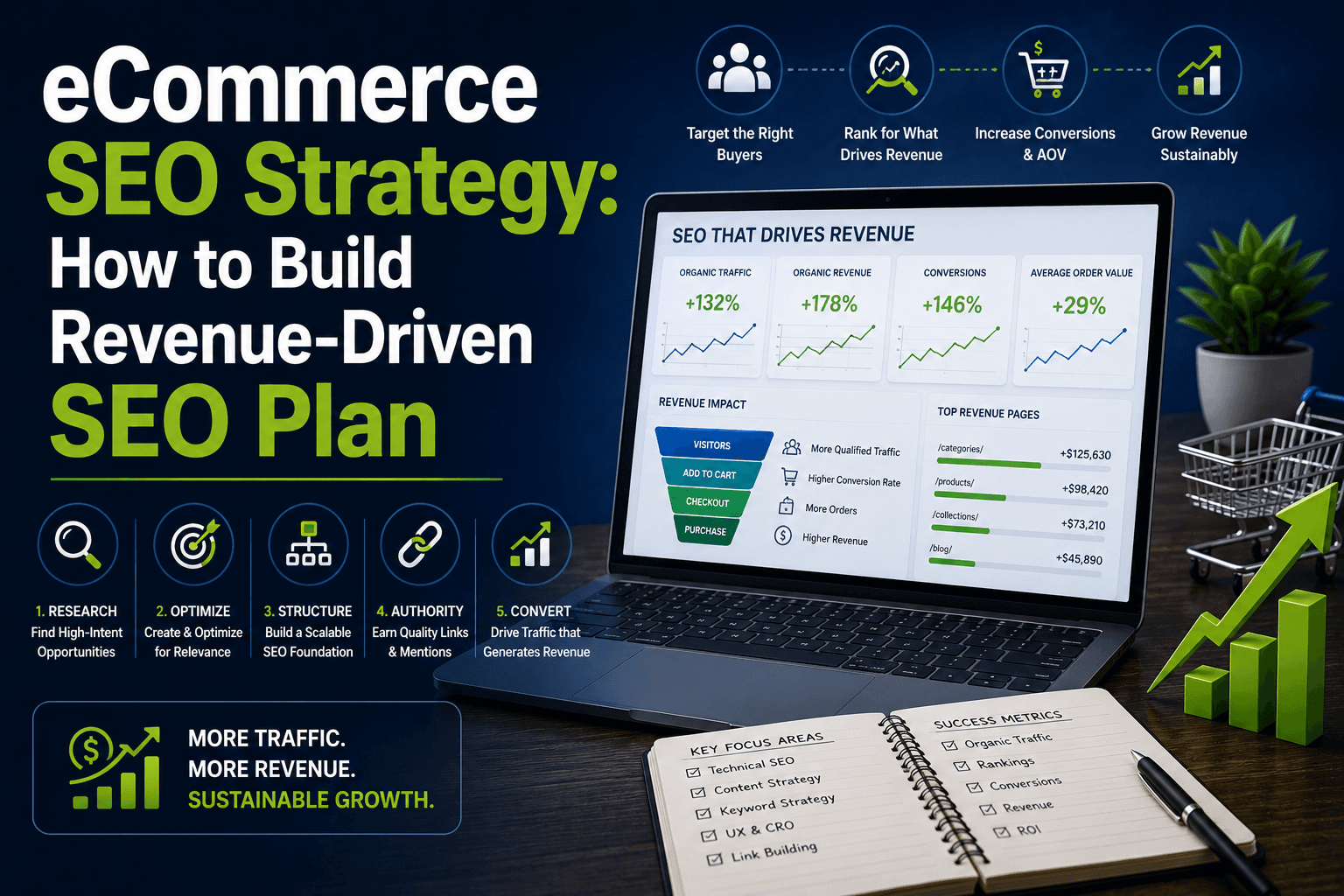
How to Build an Ecommerce SEO Strategy That Actually Drives Revenue

March 19, 2026

How to Build an Ecommerce SEO Strategy That Actually Drives Revenue

A structured eCommerce SEO strategy covering category pages, keyword intent, technical SEO, CRO, and a 90-day roadmap - built around revenue, not traffic.

Ecommerce SEO Best Practices: The 2026 Checklist for High Growth Stores

March 19, 2026

Ecommerce SEO Best Practices: The 2026 Checklist for High Growth Stores

The exact eCommerce SEO practices behind $144K from one category page and $18K from one guide. The 2026 checklist for high-growth Australian stores.

What Is Ecommerce SEO? The Complete Guide for Online Stores (2026)

March 19, 2026

What Is Ecommerce SEO? The Complete Guide for Online Stores (2026)

Stop renting customers with paid ads. Learn how ecommerce SEO builds permanent traffic assets that compound - category pages, products & beyond.

Web Development Best Practices: Performance, Security and SEO

March 17, 2026

Web Development Best Practices: Performance, Security and SEO

Learn the 2026 gold standards for web development — Core Web Vitals, INP, Passkeys, WCAG 2.2, and AI-ready Schema. For Australian businesses.

The Revenue Engineering Framework: How It Actually Works

March 17, 2026

The Revenue Engineering Framework: How It Actually Works

Learn how the Revenue Engineering Framework helps diagnose, design, and optimise your entire revenue system—from leads to conversion and retention.

Scalable Web Application Architecture for Growing Businesses

March 17, 2026

Scalable Web Application Architecture for Growing Businesses

One architecture mistake cost AU$340k in outages. Discover the 2026 standards for scalable web applications that protect your business as you grow.

Custom Website Development vs Templates: What Businesses Should Choose

March 16, 2026

Custom Website Development vs Templates: What Businesses Should Choose

Should you pay $15/month for a template or $20K for custom development? See exactly when templates work, when they fail, and when custom is worth it.

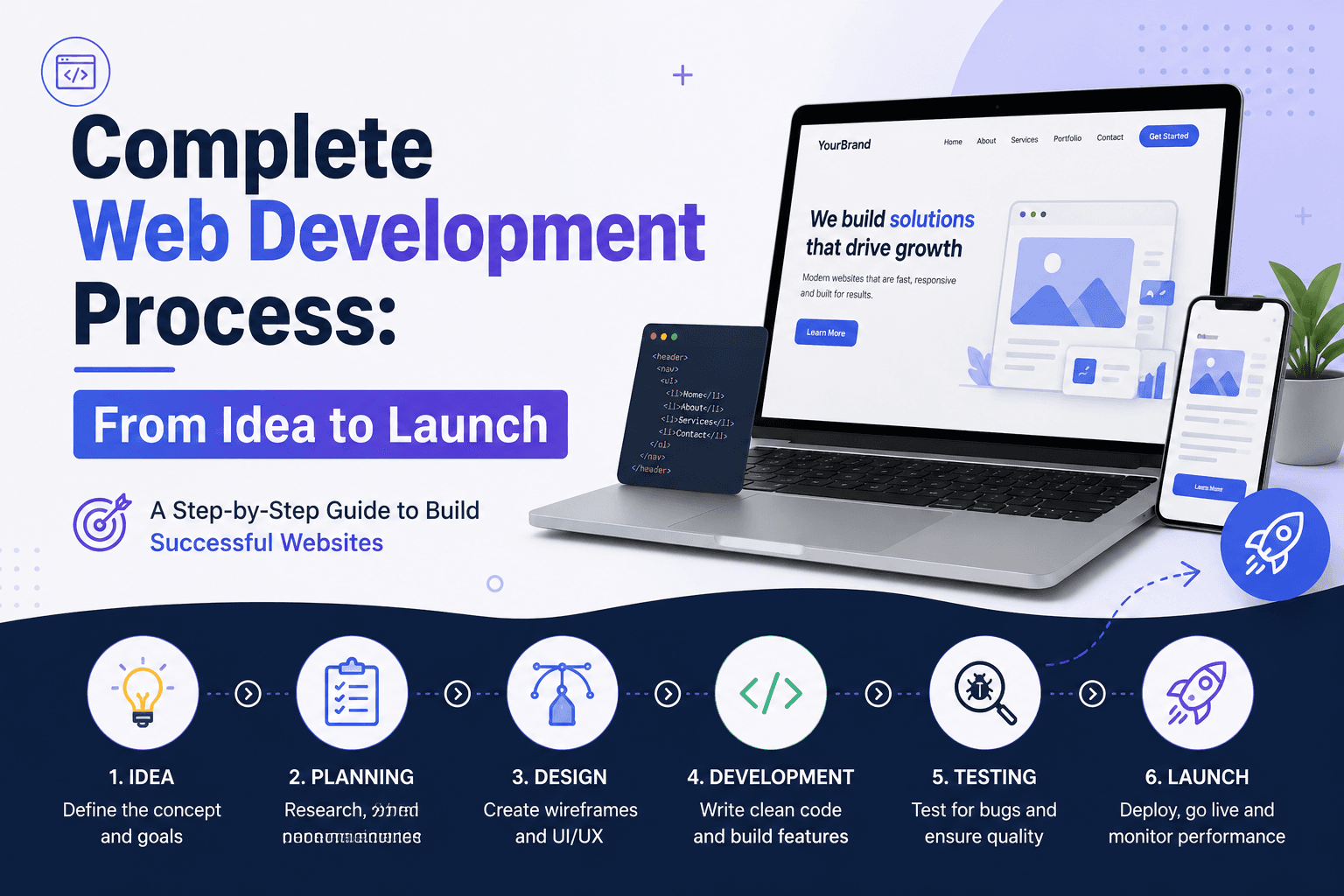
Complete Web Development Process: From Idea to Launch

March 16, 2026

Complete Web Development Process: From Idea to Launch

Walk through all 10 stages of web development from discovery to post-launch. Realistic timelines, common problems, and what you do at each step

Custom Web Application Development: Architecture, Process and Business Use Cases

March 13, 2026

Custom Web Application Development: Architecture, Process and Business Use Cases

Understand custom web application development from architecture to deployment. Learn timelines, technology stacks, and when businesses need custom software.

Custom Web Development Explained: Complete Guide for Businesses

March 13, 2026

Custom Web Development Explained: Complete Guide for Businesses

Complete guide to custom web development: costs, timelines, ROI, and when to choose it vs templates. Real examples & decision framework included.

Technical SEO for eCommerce: Fix the Issues That Limit Rankings and Revenue

March 10, 2026

Technical SEO for eCommerce: Fix the Issues That Limit Rankings and Revenue

Most eCommerce stores lose organic revenue to fixable technical issues. Learn how to solve duplicate content, indexation gaps, crawl budget waste & more.

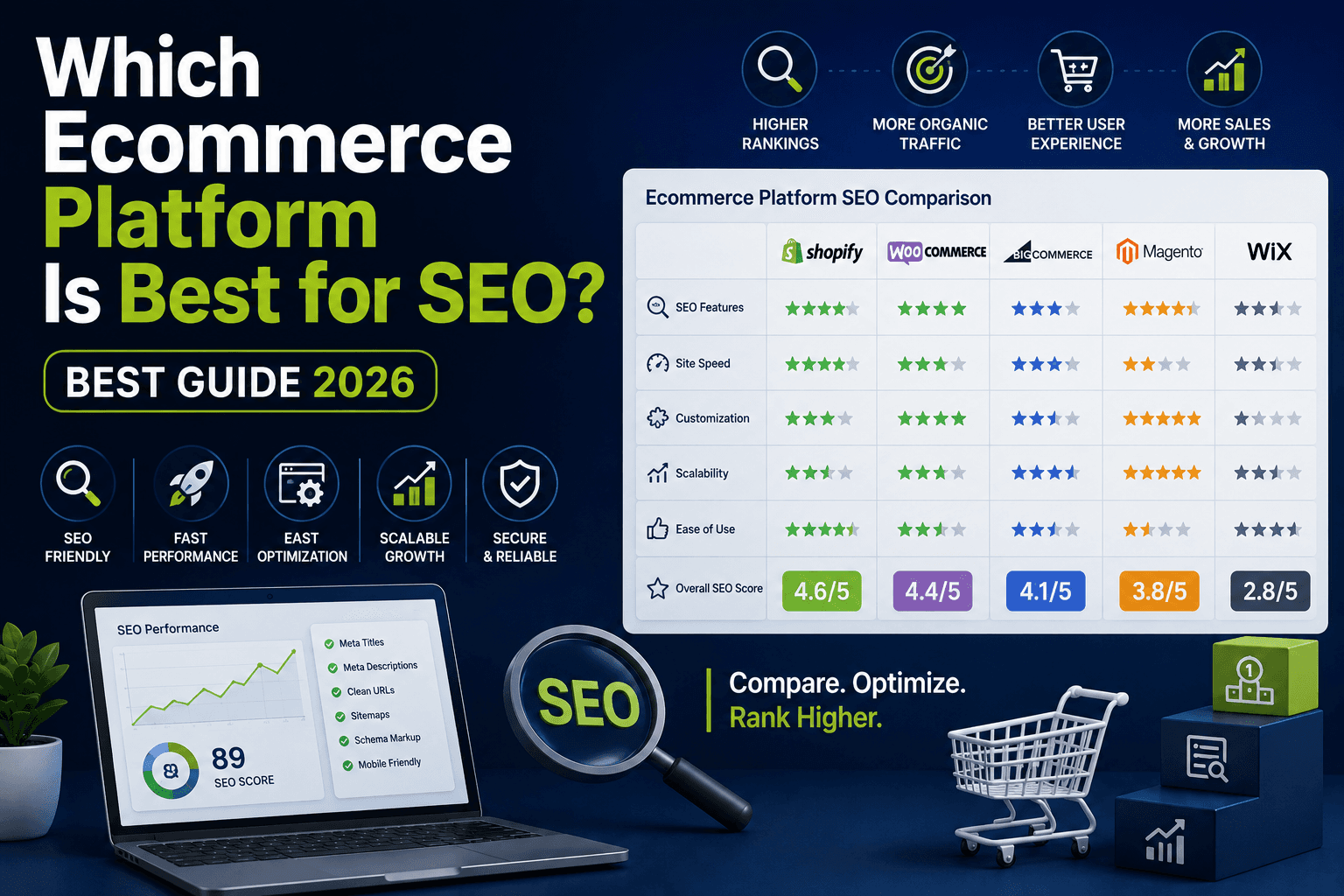
Which Ecommerce Platform Is Best for SEO?

March 10, 2026

Which Ecommerce Platform Is Best for SEO?

Choosing between Shopify, WooCommerce, BigCommerce? See which ecommerce platform fits your SEO needs, catalogue size, and growth plan in 2026.

Shopify SEO in 2026: How to Rank a Shopify Store on Google

March 9, 2026

Shopify SEO in 2026: How to Rank a Shopify Store on Google

Shopify doesn't do SEO for you. Learn the platform limitations killing your traffic and the Shopify SEO fixes top stores use to dominate rankings.

8 Common eCommerce SEO Mistakes That Stop Stores From Growing

March 9, 2026

8 Common eCommerce SEO Mistakes That Stop Stores From Growing

Thin content, weak category pages, poor trust signals, these common eCommerce SEO mistakes stop your store converting traffic into revenue.

Why SEO Is Important for Ecommerce: Your Guide to Sustainable Online Growth

March 5, 2026

Why SEO Is Important for Ecommerce: Your Guide to Sustainable Online Growth

Why SEO is important for ecommerce? 92% of buyers never scroll past page one. Here's what it does for Australian stores that paid ads simply cannot match.

Should I Hire an SEO Agency? A Practical Decision Guide for Businesses 2026

February 25, 2026

Should I Hire an SEO Agency? A Practical Decision Guide for Businesses 2026

Unsure whether to hire an SEO agency? Learn when it makes sense, when to wait, costs, timelines, and how to decide with confidence.

How AI Automation is Transforming Businesses in 2025

July 16, 2025

How AI Automation is Transforming Businesses in 2025

AI automation is reshaping how businesses work. Learn key ways AI is transforming businesses, industry-specific impacts, and how to prepare your business for the future.

What is AI Automation? How It's Shaping the Future of Work

July 15, 2025

What is AI Automation? How It's Shaping the Future of Work

Understanding AI automation is key to staying competitive. Learn what AI automation is, how it differs from regular automation, real-world examples, and challenges.

What Are Website Wireframes & Why They Matter in Web Design

July 12, 2025

What Are Website Wireframes & Why They Matter in Web Design

Website wireframes are essential for successful web development. Discover what wireframes are, why they're important, common mistakes, and best practices.

What is Email Marketing? Reasons It Still Works in 2025

May 28, 2025

What is Email Marketing? Reasons It Still Works in 2025

Email marketing remains one of the most effective digital channels. Explore why email still works, automation strategies, best practices, and ROI benchmarks.

AI & Automation Trends: What Businesses Need to Know

January 31, 2025

AI & Automation Trends: What Businesses Need to Know

AI and automation are reshaping industries. Understand the differences between AI and traditional automation, key benefits, implementation strategies, and trends.

Proven Digital Marketing Strategies for Growth & SEO

January 31, 2025

Proven Digital Marketing Strategies for Growth & SEO

Digital marketing is essential for Australian businesses. Learn proven strategies for SEO, PPC, social media, email marketing, and lead generation.

Ready to Grow Your Revenue?

Partner with an Australian digital marketing agency that cares about your bottom line.