Logo
ArticleMarch 30, 2026

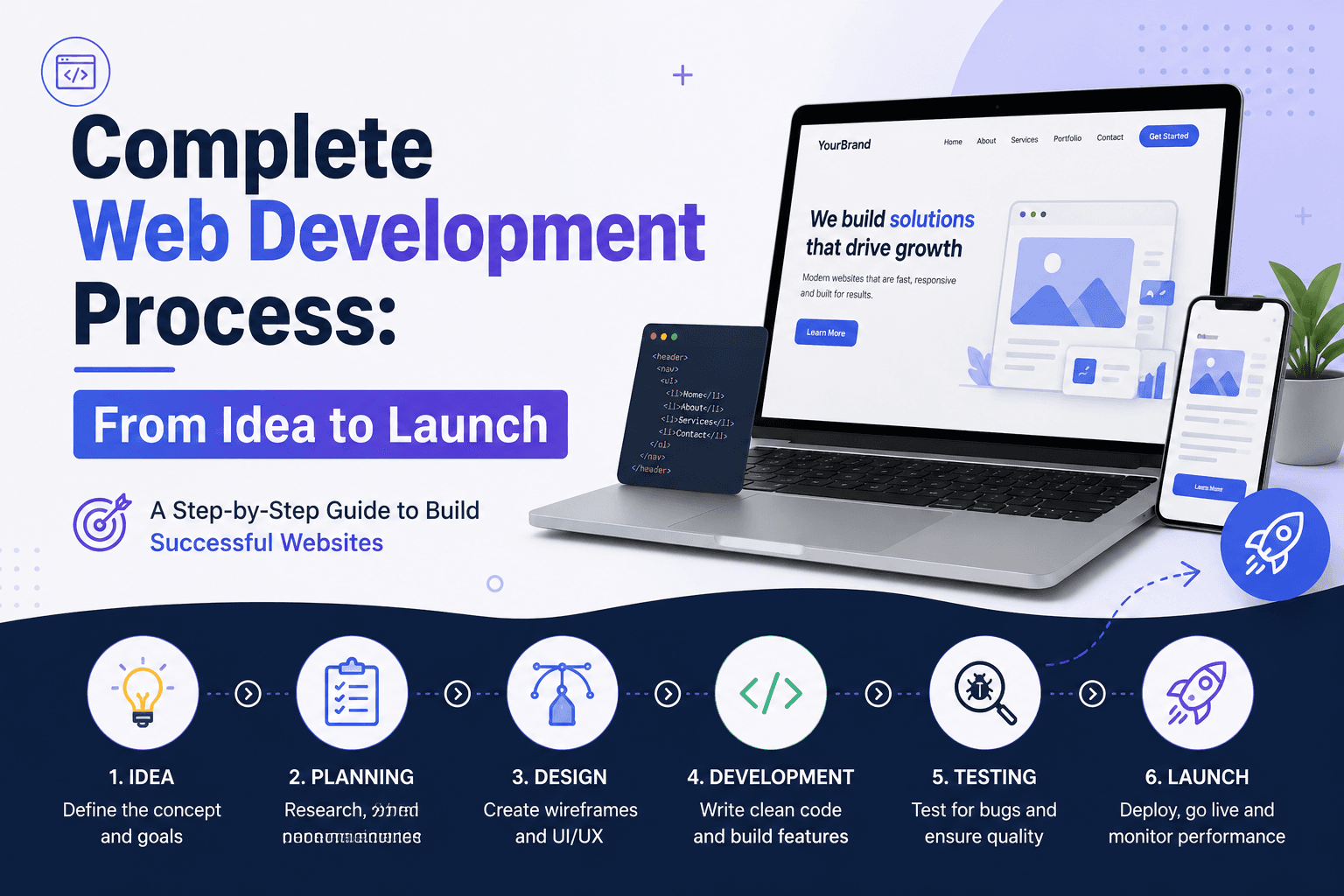
Complete Web Development Process: From Idea to Launch

A complete guide to the 10 stages of web development from discovery to launch. Realistic timelines, common problems, and what happens at each step.

T

ThedevelopementAgency

The Development Agency

Complete Web Development Process: From Idea to Launch

Complete Web Development Process: From Idea to Launch

You have an idea for a website or web application. You know what problem it solves. But you have no idea how to actually build it, how long it takes, or what happens between "idea" and "live website."

Development agencies throw around terms like "discovery," "wireframing," "QA," and "deployment" without explaining what they mean or why they matter. You nod along, not wanting to look uninformed, while secretly wondering if you are being sold unnecessary steps.

This guide walks through the complete web development process from initial concept to post-launch maintenance. Every stage is explained in plain language with realistic timelines, common problems, and what you actually need to do at each step.

No jargon. No fluff. Just the truth about how professional web development actually works.

What Is the Web Development Process?

The web development process is the structured approach development teams use to turn concepts into functioning websites or applications.

What it includes:

  • Requirements gathering and planning
  • Design and user experience work
  • Technical development (frontend and backend)
  • Quality assurance and testing
  • Deployment and launch
  • Ongoing maintenance and updates

What it is NOT:

  • A designer making a website look pretty
  • A developer writing code in a basement
  • Something that happens in one linear sequence

The reality: Professional web development is a collaborative process involving designers, developers, project managers, and you (the stakeholder). Work happens in parallel, with multiple iterations and refinements along the way.

Think of it like building a house. You do not hire an architect, wait for plans, then hire a builder, then hire an electrician. Everyone works together in coordinated phases with overlapping timelines.

The 10 Stages of Web Development

Professional web development follows ten distinct stages, though some happen in parallel. Each stage has specific deliverables, typical timelines, and clear success criteria.

Stage 1: Discovery and Requirements (1 to 3 weeks)

What happens: The development team learns about your business, users, goals, and constraints.

Key activities:

  • Stakeholder interviews with business owners, department heads, and key users
  • Competitive analysis of similar websites or applications
  • User research to understand target audience needs and behaviors
  • Technical requirements gathering (integrations, data sources, compliance needs)
  • Budget and timeline discussion
  • Success criteria definition (how will we measure if this project worked?)

Your involvement:

  • Explain business goals and pain points clearly
  • Identify who will use the website and why
  • Share existing data (analytics, user feedback, technical documentation)
  • Provide access to systems that need integration
  • Define constraints (budget, timeline, technical limitations)

Deliverables:

  • Project brief document
  • User personas
  • Feature requirements list (prioritized as must-have, should-have, nice-to-have)
  • Project timeline and budget estimate
  • Success metrics and KPIs

Common problems:

  • Vague goals ("we want a better website") make it impossible to measure success
  • Stakeholders disagree on priorities, causing delays
  • Technical constraints not discovered until later stages
  • Unrealistic timeline or budget expectations

How to avoid problems: Be brutally honest about goals, budget, and constraints upfront. If stakeholders disagree, resolve it now, not during development.

Stage 2: Information Architecture and Planning (1 to 2 weeks)

What happens: The team structures how information will be organized and how users will navigate through it.

Key activities:

  • Sitemap creation showing all pages and their hierarchy
  • User flow diagrams mapping how users accomplish key tasks
  • Content audit of existing materials (if redesigning)
  • Content gap analysis (what content needs to be created)
  • URL structure planning for SEO
  • Technology stack selection (platform, frameworks, databases)

Your involvement:

  • Review and approve sitemap
  • Provide feedback on user flows
  • Identify existing content that can be reused
  • Confirm priority pages and user journeys

Deliverables:

  • Visual sitemap
  • User flow diagrams
  • Content inventory spreadsheet
  • Technology architecture document

Common problems:

  • Navigation structures that make sense to the business but confuse users
  • Missing content discovered late in the project
  • SEO-unfriendly URL structures locked in without review

How to avoid problems: Test navigation with real users before designing interfaces. Plan content creation timelines alongside development.

Stage 3: Wireframing and UX Design (2 to 4 weeks)

What happens: The team creates low-fidelity mockups showing layout and functionality without visual design.

Key activities:

  • Low-fidelity wireframes outlining page structures
  • Interactive prototypes for key user flows
  • Content hierarchy definition (what gets attention first)
  • Call-to-action placement strategy
  • Form and interaction design
  • Mobile and tablet layout planning

Your involvement:

  • Review wireframes for functionality and flow
  • Test interactive prototypes
  • Provide feedback on information hierarchy
  • Confirm all required functionality is represented

Deliverables:

  • Wireframes for all key page templates
  • Interactive clickable prototype
  • UX documentation explaining design decisions

Common problems:

  • Stakeholders want to discuss colors and fonts (visual design) when wireframes are about structure and function
  • Important functionality missing from wireframes, discovered during development
  • Mobile layouts not considered until after desktop wireframes are approved

How to avoid problems: Wireframes are blueprints, not pretty pictures. Focus on "does this work?" not "does this look good?"

Stage 4: Visual Design and Branding (3 to 5 weeks)

What happens: Designers create the visual appearance of the website, applying brand colors, typography, imagery, and style.

Key activities:

  • Mood boards and style exploration
  • Homepage design concepts (usually 2 to 3 options)
  • Internal page template designs
  • Design system creation (buttons, forms, colors, typography)
  • Image selection or custom photography/illustration
  • Icon design or selection
  • Responsive design for mobile and tablet

Your involvement:

  • Provide brand guidelines and assets (logos, fonts, colors)
  • Review and provide feedback on design concepts
  • Select preferred direction from initial concepts
  • Approve final designs before development begins

Deliverables:

  • Homepage design mockups
  • Template designs for key page types
  • Design system documentation
  • Image and icon libraries

Common problems:

  • Design by committee where every stakeholder wants changes
  • Feedback like "make it pop" or "can you try blue?" without clear direction
  • Brand guidelines that do not translate well to digital
  • Designs that look great but are impossible or expensive to build

How to avoid problems: Appoint one decision-maker for design feedback. Give specific, actionable feedback. Ask developers if designs are feasible before approving.

Stage 5 & 6: Concurrent Build - Frontend and Backend (4 to 10 weeks, simultaneous)

The 2026 reality: Professional teams do not wait for frontend to finish before starting backend. We use API-first development where both happen in parallel.

How API-first works:

  • Backend team builds the "engine" (API, database, business logic)
  • Frontend team builds the "dashboard" (UI, interactions, design)
  • Teams agree on API contracts upfront (what data flows where)
  • Frontend uses mock data while backend builds real systems
  • Both teams meet in the middle, integrating weeks earlier than sequential approaches

Found this useful?

Share this article with your network

T

ThedevelopementAgency

The Development Agency

Work with TDA

Ready to scale with a strategy that performs?

We combine SEO, CRO, engineering and automation to turn traffic into measurable growth.

Get your quote

Latest Blogs

Should I Hire an SEO Agency? A Practical Decision Guide for Businesses

March 30, 2026

Should I Hire an SEO Agency? A Practical Decision Guide for Businesses

Unsure whether to hire an SEO agency? Learn when it makes sense, when to wait, costs, timelines, and how to decide with confidence.

Ecommerce SEO Best Practices: The 2026 Checklist for High Growth Stores

March 30, 2026

Ecommerce SEO Best Practices: The 2026 Checklist for High Growth Stores

The 2026 ecommerce SEO checklist for high-growth Australian stores. Learn technical SEO, category optimization, product schema, and conversion improvements.

B2B Ecommerce SEO 2026: Rank for Buyers, Not Browsers

March 30, 2026

B2B Ecommerce SEO 2026: Rank for Buyers, Not Browsers

B2B eCommerce SEO framework for ranking wholesale and trade stores in front of qualified buyers. Focus on pipeline value over traffic volume.

Technical SEO for eCommerce: Fix What's Killing Your Rankings

March 30, 2026

Technical SEO for eCommerce: Fix What's Killing Your Rankings

Most eCommerce stores lose organic revenue to fixable technical issues. Learn how to solve duplicate content, indexation gaps, crawl budget waste, and more.

Custom Web Application Development Guide

March 30, 2026

Custom Web Application Development Guide

Understand custom web application development from architecture to deployment. Learn timelines, technology stacks, and when businesses need custom software.

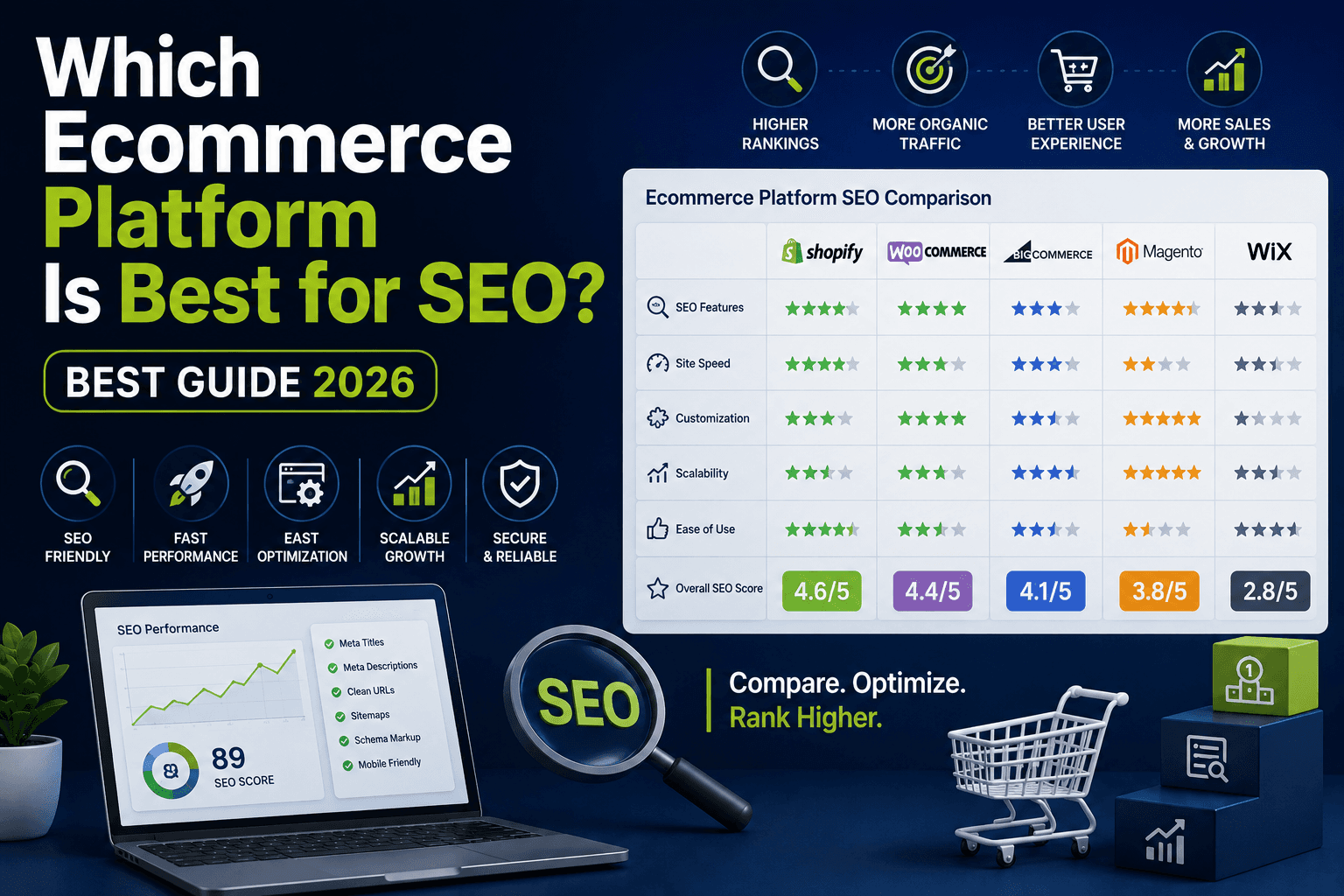
Which Ecommerce Platform Is Best for SEO? Best Guide 2026

March 30, 2026

Which Ecommerce Platform Is Best for SEO? Best Guide 2026

Choosing between Shopify, WooCommerce, BigCommerce? See which ecommerce platform fits your SEO needs, catalogue size, and growth plan in 2026.

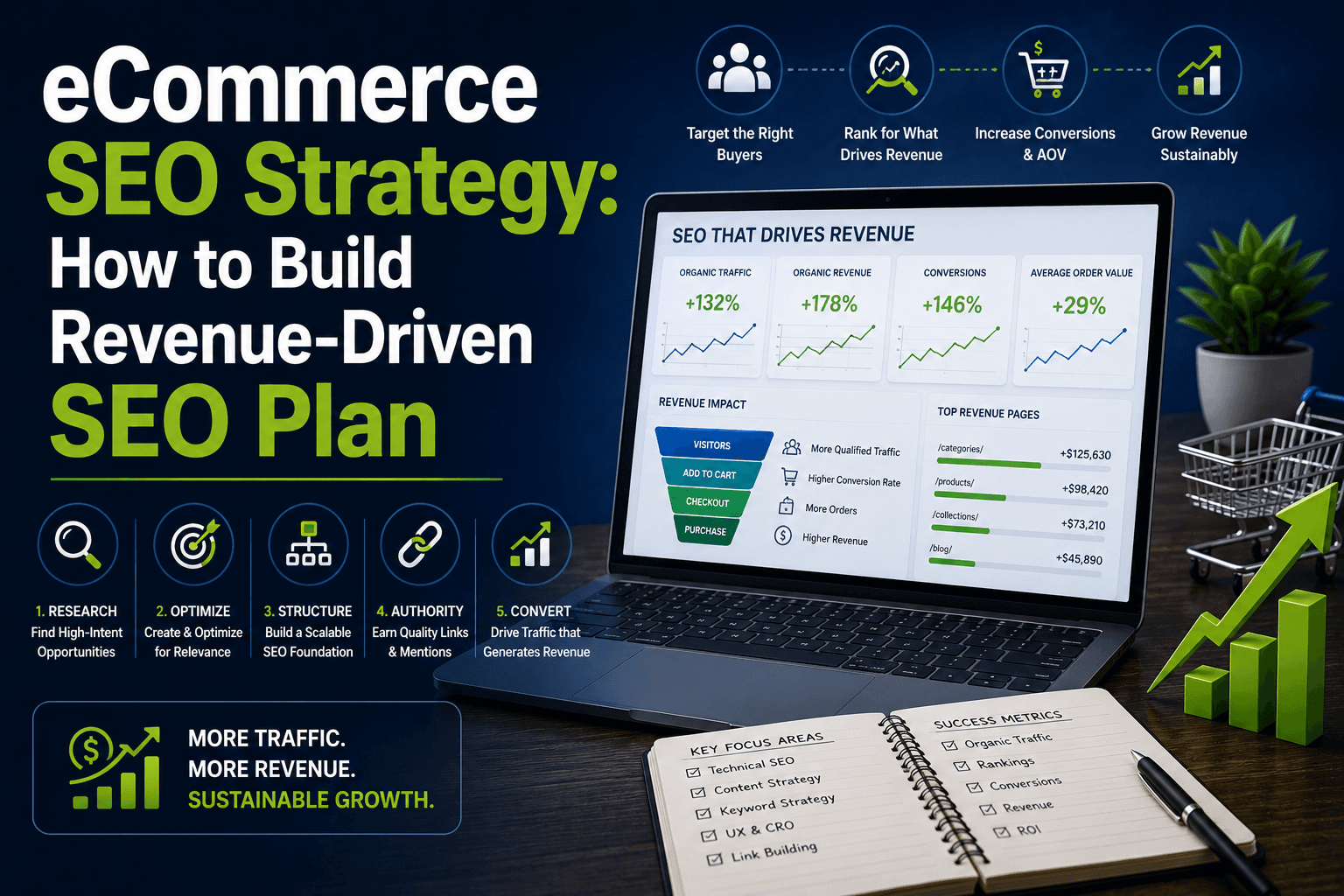
eCommerce SEO Strategy: How to Build Revenue-Driven SEO Plan

March 30, 2026

eCommerce SEO Strategy: How to Build Revenue-Driven SEO Plan

Learn how to build an eCommerce SEO strategy that drives revenue through category optimization, keyword intent mapping, and technical SEO best practices.

Ecommerce Category Page SEO: Turn Collection Pages Into Revenue Machines

March 30, 2026

Ecommerce Category Page SEO: Turn Collection Pages Into Revenue Machines

Learn how to optimize ecommerce category pages to rank for commercial keywords and drive 60-80% of your organic revenue.

Complete Web Development Process: From Idea to Launch

March 30, 2026

Complete Web Development Process: From Idea to Launch

A complete guide to the 10 stages of web development from discovery to launch. Realistic timelines, common problems, and what happens at each step.

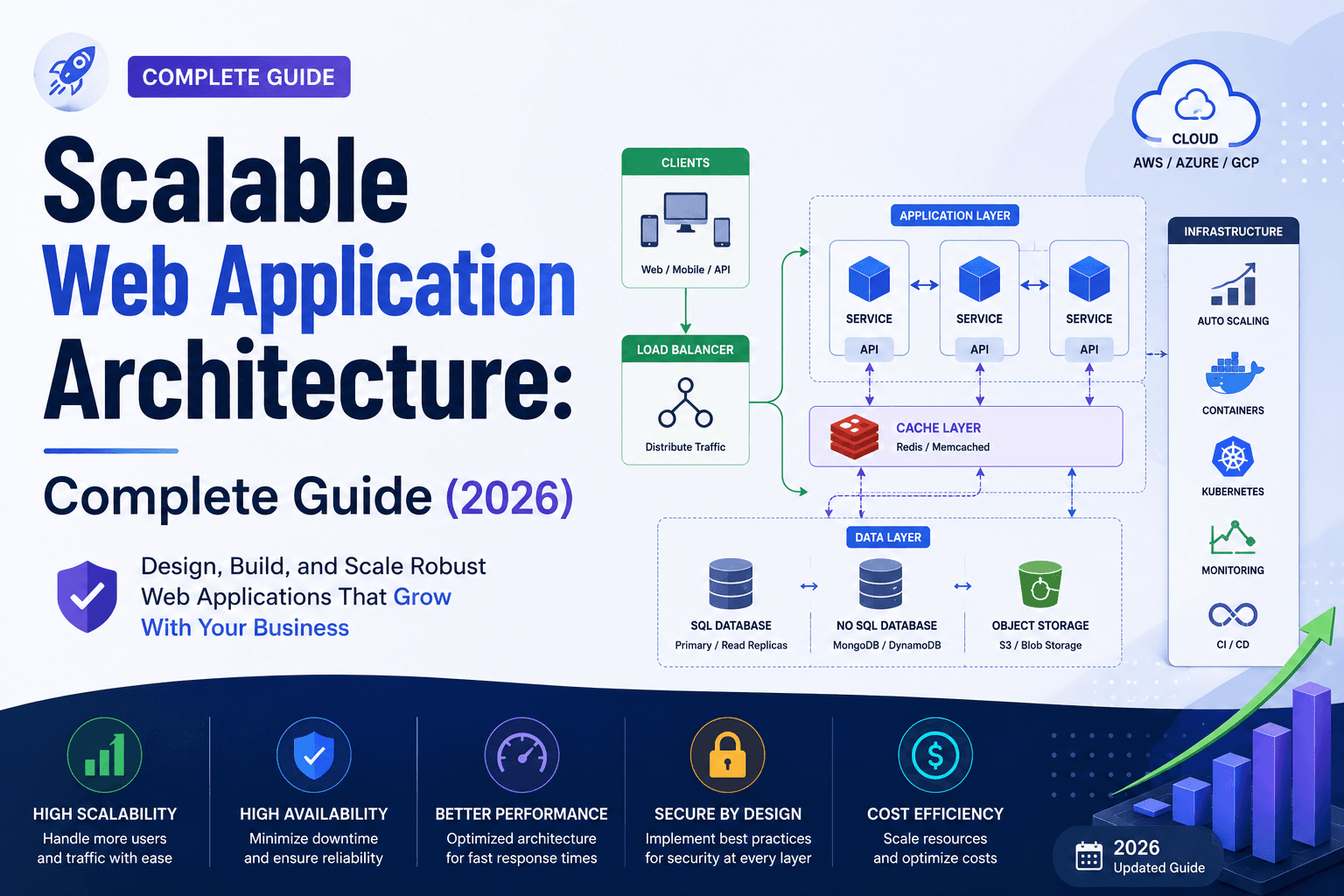
Scalable Web Application Architecture: Complete Guide (2026)

March 30, 2026

Scalable Web Application Architecture: Complete Guide (2026)

One architecture mistake cost AU$340k in outages. Discover the 2026 standards for scalable web applications that protect your business as you grow.

Why SEO Is Important for Ecommerce Growth in 2026

March 30, 2026

Why SEO Is Important for Ecommerce Growth in 2026

Discover why SEO delivers 400% ROI for Australian ecommerce stores. Learn how organic search drives revenue, captures high-intent buyers & beats paid ads.

Custom Web Development Explained: Complete Guide for Businesses

March 30, 2026

Custom Web Development Explained: Complete Guide for Businesses

Complete guide to custom web development: costs, timelines, ROI, and when to choose it vs templates.

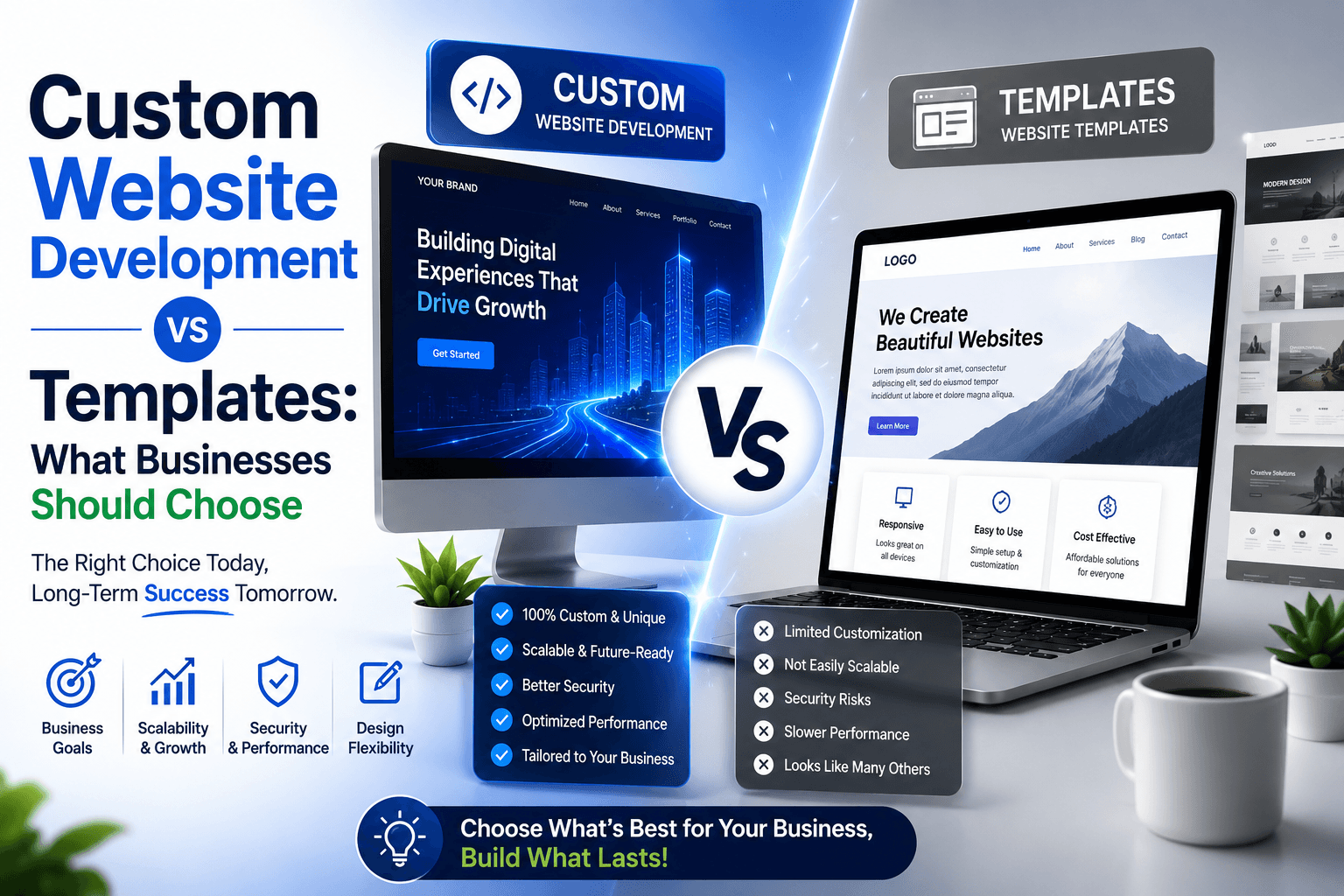
Custom Website Development vs Templates: What Businesses Should Choose

March 30, 2026

Custom Website Development vs Templates: What Businesses Should Choose

Should you pay $15/month for a template or $20K for custom development? See exactly when templates work, when they fail, and when custom is worth it.

Ecommerce SEO for Product Pages: How to Rank and Convert?

March 30, 2026

Ecommerce SEO for Product Pages: How to Rank and Convert?

Master ecommerce product page SEO in 2026. Rank for high-intent keywords and increase conversions with better titles, content, UX and trust signals.

What Is Ecommerce SEO? Complete Guide for Online Stores 2026

March 30, 2026

What Is Ecommerce SEO? Complete Guide for Online Stores 2026

Stop renting customers with paid ads. Learn how ecommerce SEO builds permanent traffic assets that compound—category pages, products & beyond.

How to Do an Ecommerce SEO Audit: The Step-by-Step Process We Use

March 30, 2026

How to Do an Ecommerce SEO Audit: The Step-by-Step Process We Use

Learn our revenue-focused ecommerce SEO audit process. Prioritize fixes by impact, fix category pages, optimize products, and grow revenue systematically.

17 Best Ecommerce SEO Tips: Quick Wins for Online Stores

March 30, 2026

17 Best Ecommerce SEO Tips: Quick Wins for Online Stores

17 focused ecommerce SEO tips that fix gaps blocking your growth. Measurable results in weeks, not months. Start implementing today.

Web Development Best Practices: Performance, Security and SEO

March 30, 2026

Web Development Best Practices: Performance, Security and SEO

Learn the 2026 gold standards for web development — Core Web Vitals, INP, Passkeys, WCAG 2.2, and AI-ready Schema. For Australian businesses.

How to Write the Best Blog Post

March 30, 2026

How to Write the Best Blog Post

Learn how to write the best blog post with our comprehensive guide. Tips, tricks, and strategies to create engaging content.

How AI Automation is Transforming Businesses in 2025

July 16, 2025

How AI Automation is Transforming Businesses in 2025

AI automation is reshaping how businesses work. Learn key ways AI is transforming businesses, industry-specific impacts, and how to prepare your business for the future.

What is AI Automation? How It's Shaping the Future of Work

July 15, 2025

What is AI Automation? How It's Shaping the Future of Work

Understanding AI automation is key to staying competitive. Learn what AI automation is, how it differs from regular automation, real-world examples, and challenges.

What Are Website Wireframes & Why They Matter in Web Design

July 12, 2025

What Are Website Wireframes & Why They Matter in Web Design

Website wireframes are essential for successful web development. Discover what wireframes are, why they're important, common mistakes, and best practices.

What is Email Marketing? Reasons It Still Works in 2025

May 28, 2025

What is Email Marketing? Reasons It Still Works in 2025

Email marketing remains one of the most effective digital channels. Explore why email still works, automation strategies, best practices, and ROI benchmarks.

AI & Automation Trends: What Businesses Need to Know

January 31, 2025

AI & Automation Trends: What Businesses Need to Know

AI and automation are reshaping industries. Understand the differences between AI and traditional automation, key benefits, implementation strategies, and trends.

Proven Digital Marketing Strategies for Growth & SEO

January 31, 2025

Proven Digital Marketing Strategies for Growth & SEO

Digital marketing is essential for Australian businesses. Learn proven strategies for SEO, PPC, social media, email marketing, and lead generation.

Ready to Grow Your Revenue?

Partner with an Australian digital marketing agency that cares about your bottom line.